 Philippe Genois
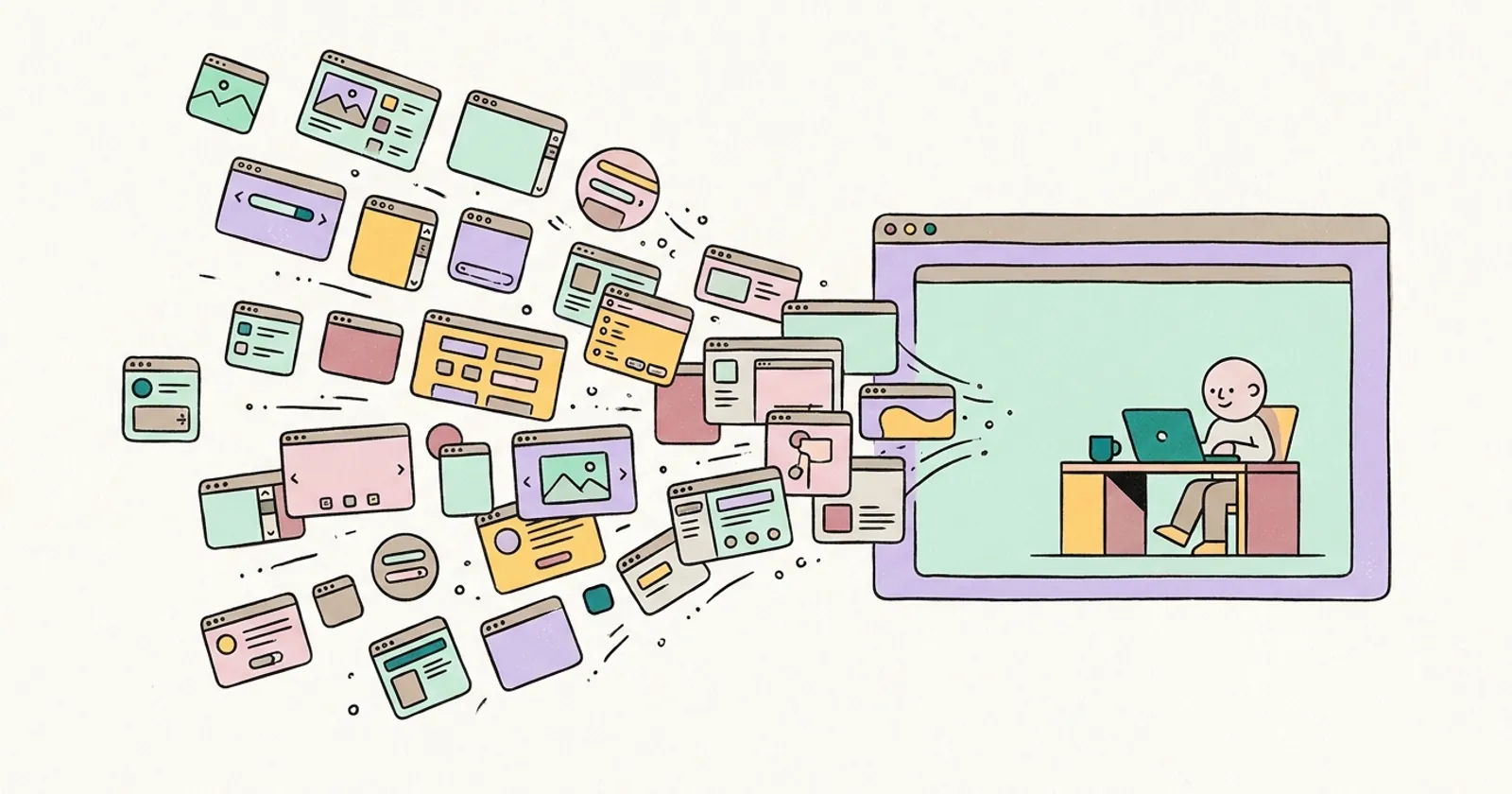
The future of SaaS is fewer apps per company. Instead of renting 12 to 15 point tools (a CRM, a phone system, a support chat, a meeting recorder, a scheduling link) and keeping a web of Zaps alive between them, a company will run on one app built around how it works, with AI bots doing the admin that used to land on people. The tools that stay separate will be the specialists, like accounting and payroll, and the infrastructure underneath everything.
I have seen this from both sides. I grew InputKit to $3M ARR selling software to service businesses, and for years our own team ran on the same stack most SaaS companies run on. If you run a company of 10 to 100 people, here is what I think is changing, why now, and what I would do about it.
How did companies end up with 15 tools?
Each tool made sense the day you bought it. Sales needed a CRM, so you got HubSpot. Calls got messy, so you added Aircall. Customers wanted to chat, so you added Intercom. Someone started recording demos with Fathom, and Slack became the place where people ask "did anyone answer this customer?"
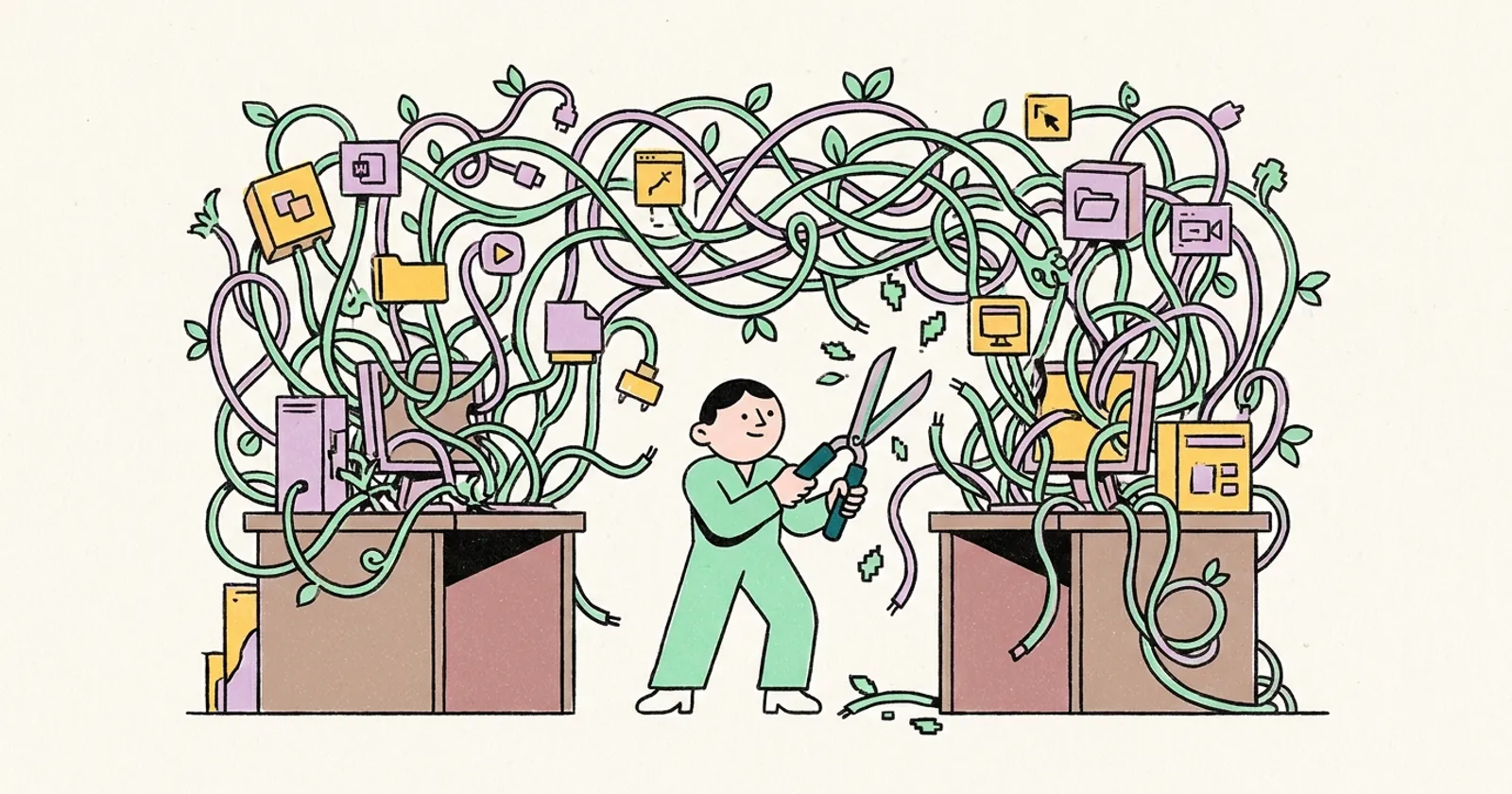
Every one of those is a good product, and the problems start where one tool hands off to the next. The same customer exists five times, once per tool, and the copies disagree. A call happens in the phone app, its notes land in the meeting recorder, the deal sits in the CRM, and the follow-up lives in someone's head. To hold it together, someone builds Zaps. Then a field gets renamed, a Zap stops without telling anyone, and leads go nowhere for three weeks. We cover that failure in detail in why Zapier setups break.
Here is what a typical stack looks like for a 30-person software company or agency. It is an example, so swap in your own tools:
| Job | Usual tool type | How it usually charges |
|---|---|---|
| Customers and deals | CRM | Per seat, plus higher tiers for features |
| Calls and texts | Cloud phone system | Per seat, plus usage |
| Support chat and help center | Help desk | Per seat, sometimes per AI answer |
| Meeting recording and notes | Meeting recorder | Per seat |
| Team messages | Team chat | Per seat |
| Booking links | Scheduling tool | Per seat |
| Newsletters and campaigns | Email marketing | Per contact |
| Quotes and signatures | E-signature tool | Per seat |
| Glue between all of the above | Automation tool | Per task |
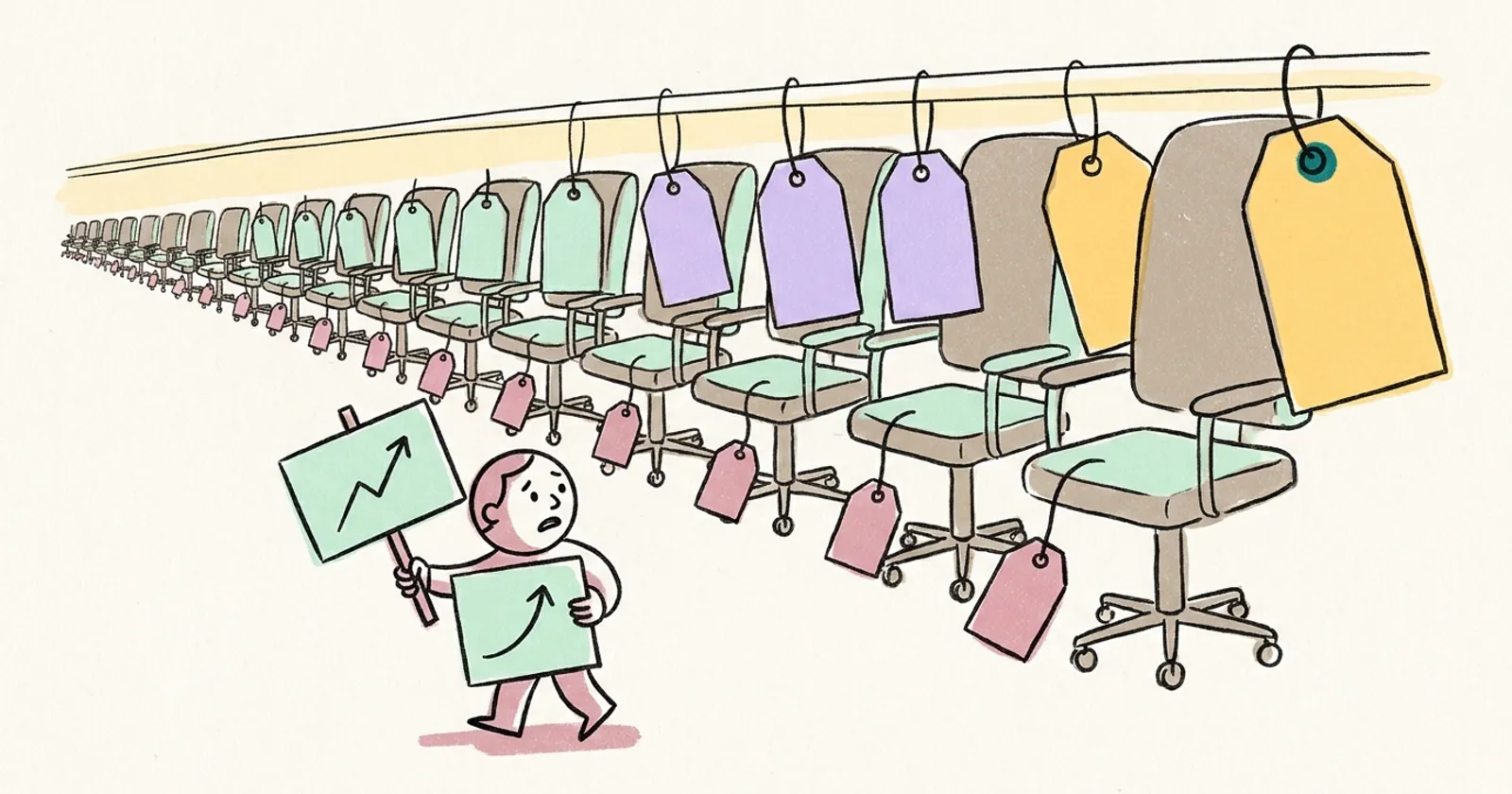
Most rows charge per person, so the bill grows with every hire; per-seat pricing is a tax on growth walks through the math. The rest of the cost is less visible: the hours your team spends retyping, switching tabs and fixing glue. The true cost of your SaaS stack and SaaS sprawl show how to put a number on it.
Why is this changing now?
For twenty years, renting point tools was the only sensible choice for a company this size. A custom app built around your business meant a development team, months of work and a maintenance bill forever. Two things changed that.
Custom software got cheap to set up and to change
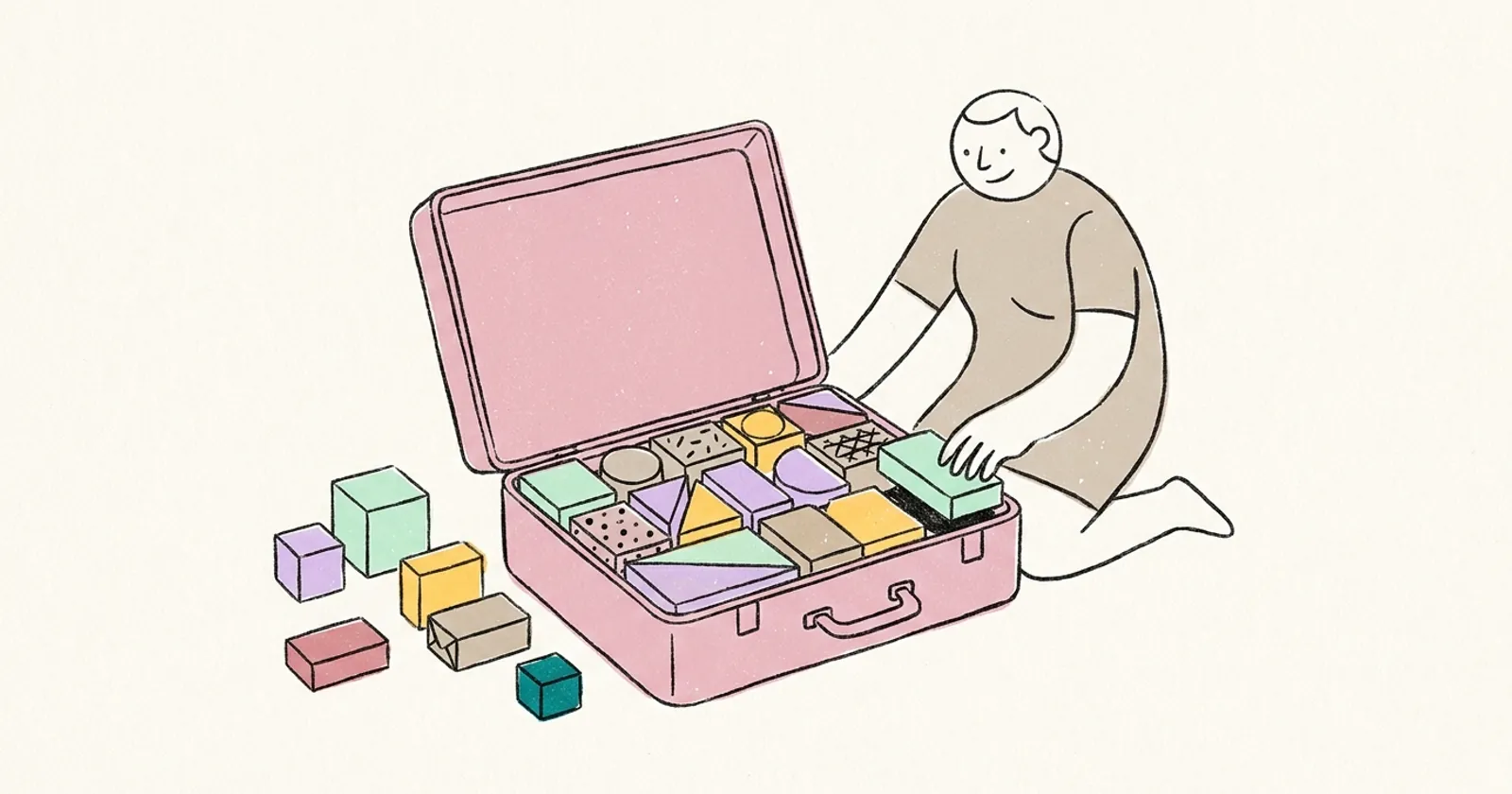
An app can now be set up from a plain description of the business and changed later by asking for it in a sentence. Many founders have tried this with tools like Lovable or Replit and found the catch: making a screen is fast, but hosting it, keeping the data safe, wiring the phone and email providers, and fixing what breaks after each change eats the time you thought you saved. The model that works is ready-made modules (CRM, phones, support, invoices) running on one platform that hosts and maintains them, with your changes layered on top. Custom software vs SaaS compares the options.
Software started doing part of the work
Until recently, business software stored information and people did the work. AI bots can now answer a support chat, prepare a sales call, draft the follow-up and keep a help center current. They do this well only when they can see everything. A support bot that can't see the customer's deal, past calls and unpaid invoice gives generic answers, so the data has to live in one place. AI bots for admin work goes through what they can take off your team today.
What does one app per company look like?
Picture one login for the whole team. Each customer has one record with every email, call recording, meeting note, deal, quote, invoice and support chat on it. The fields, pipeline stages and labels use your company's words. When you need a new field or a new step, you ask for it in plain words and it is there, without filing a feature request with a vendor. One login for everything covers the day-to-day difference for the team.
| A stack of point tools | One app for the company | |
|---|---|---|
| Logins | One per tool | One |
| Where a customer lives | A copy in each tool | One record with the full history |
| Connecting the tools | Zaps someone maintains | Already connected |
| Adding a field or a step | Upgrade a plan or wait for the vendor | Ask for it |
| Price when you hire | Goes up on every per-seat tool | Depends on the vendor; with Alori, no fee per seat |
| AI help | A different assistant in each tool, each seeing a slice | Bots that see the whole customer |
Where do AI bots fit in?
In a one-app company, bots are teammates with a job, and they work in the same app as everyone else. In Alori, Sam is the team's AI teammate: you ask him things in the CRM, text him or call him, and he runs your automations. Leo coaches sales, Nora answers support, Iris keeps the help center current and Zoe handles marketing and SEO.
At InputKit, a 15-person software company with 2,000 service-business customers, three bots joined the team. Leo preps demos and drafts follow-ups, and reps spend 60% less time on admin. Nora answers almost every chat and email on the website, in the app, on Instagram and on Facebook. Iris keeps the help center up to date, work that used to take close to one full-time person. The InputKit case study has the details.
What stays outside the one app?
Some software should stay separate. Accounting, payroll and tax filings have rules, deadlines and liability that dedicated tools handle well. Alori connects to QuickBooks and does not try to replace it. The same goes for your bank, your payment processor and the cloud services that everything runs on. If your engineering team lives in specialist tools for code or design, keep those too.
The tools that fold into one app are the ones that each hold a slice of the customer: CRM, phone, support chat, meeting notes, email campaigns, scheduling, team chat and the automations that glue them. Is SaaS dead? goes deeper into what dies and what stays, and all-in-one vs best of breed answers the fair worry that all-in-one means mediocre.
Isn't switching everything a nightmare?
It used to be, mostly because data came over as a flat export and the history was lost. The better test today is whether the move keeps everything: every email, call, note, task and file on the right customer. At InputKit, the HubSpot contacts and deals came over with all of that in about two hours. Alori has one-click imports from HubSpot, Aircall and Intercom (including the help center), and a data API for the rest.
You also don't have to move everything on the same day. A sane order looks like this:
- List every tool, what it costs and who uses it. The software stack audit gives you a template.
- Start with the tool that needs the most glue, usually the CRM or the phone system.
- Import its data and run both side by side for a couple of weeks.
- Move the next tool once the team trusts the first one.
- Cancel each old subscription only after you have exported everything. This checklist covers what to check first.
SaaS consolidation covers the full plan, including who to involve and how to time it with renewals.
What does this mean for your software bill?
When a dozen per-seat tools become one app with no fee per seat, the bill drops a lot. Companies that move to Alori can cut their software bill by up to 80%, and how much you save depends on what you pay today and how many people use each tool. The time saved is harder to put on an invoice and often matters more, because the team looks in one place instead of copying between tabs (see the cost of context switching).
Frequently asked questions
What is the future of SaaS?
Fewer apps per company. The point tools that each hold a slice of the customer (CRM, phone, support chat, meeting notes, scheduling) are merging into one app built around how each company works, with AI bots doing the admin. Specialist tools such as accounting and payroll, and the infrastructure underneath, stay separate.
Will AI replace SaaS?
AI will replace a lot of seat-priced point tools and most of the glue work between them. It will not replace accounting, payroll or the cloud services software runs on. The full answer is in Is SaaS dead?.
How much can a company save by moving to one app?
With Alori, up to 80% off the software bill, depending on your current tools and team size. Add up what you pay today per tool and per seat, then compare it with the pricing page.
Do I have to switch every tool at once?
No. Move one tool at a time, starting with the one that needs the most glue, and run old and new side by side until your team trusts the new one.
What does Alori replace, and what does it leave alone?
Alori is an all-in-one app with a CRM, quotes, invoices, scheduling, team chat, built-in calls and texts with recording and summaries, a Gmail inbox, support chat and a help center, email campaigns, video meetings with AI notes, tasks and a website. It works with QuickBooks for accounting and does not replace payroll.
See your company in one app
Describe your business and Alori sets up one app around how you work, with your customers, deals, calls and support in the same place. It's free to start, with no credit card. Start free, or check the pricing first.