 Philippe Genois
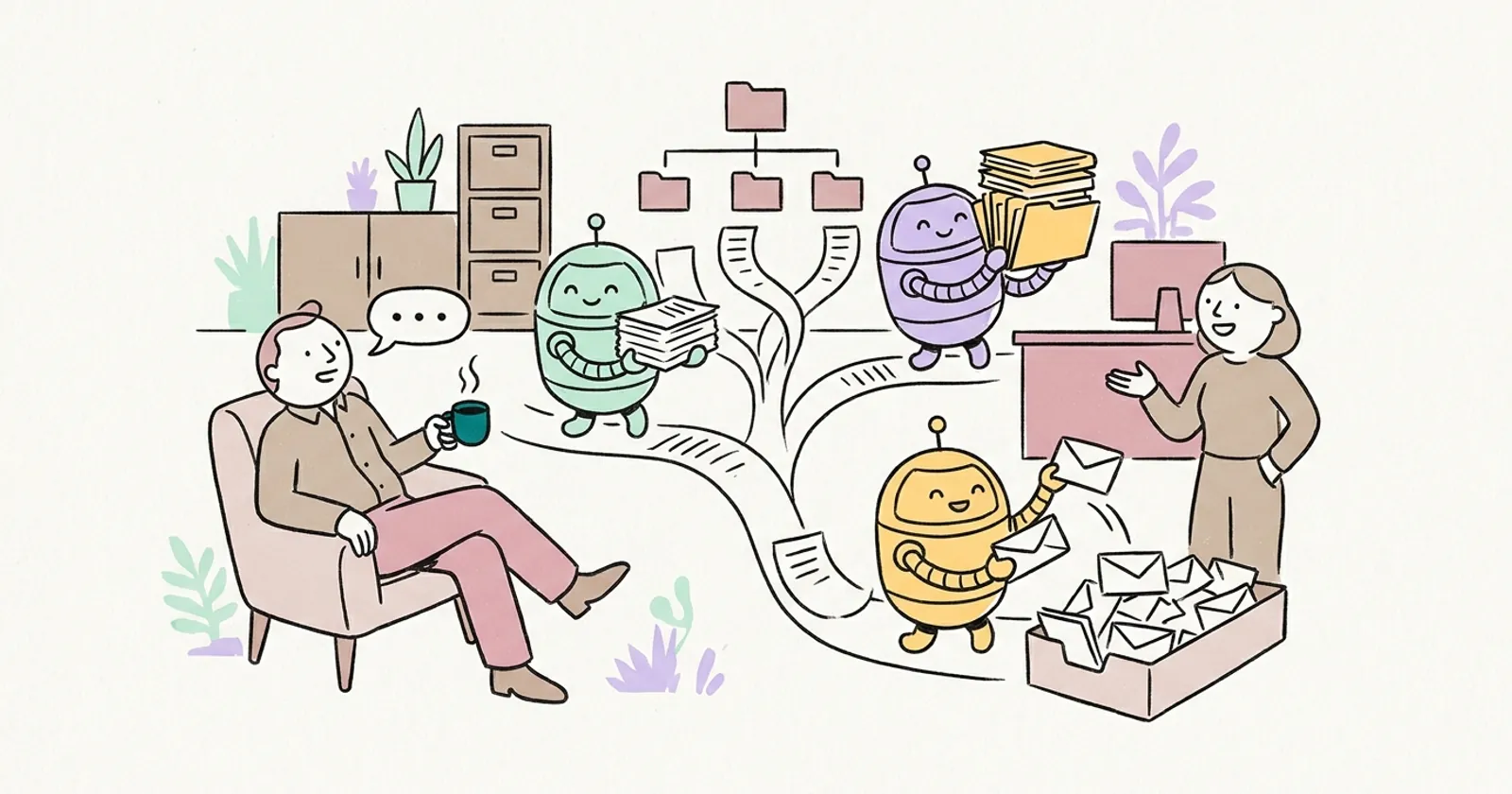
AI bots can already take a large share of the admin work in a 10 to 100 person company: answering most support chats and emails, keeping the help center current, prepping reps before demos, drafting follow-ups, updating the CRM after calls and running the small automations nobody wants to own. A person still approves what goes out under the company's name, makes the judgment calls and owns the relationships. Bots do this best when they work inside the app that holds your customers, calls, emails and deals, because that is where the context they need lives.
I run Alori, and before that I grew InputKit to $3M in annual recurring revenue. In a growing company, admin work grows faster than anything else and gets the least attention. Here's what bots handle today, bot by bot, and where each one stops.
What counts as admin work in a growing company?
Admin work is everything around the real job. For a rep, the real job is the conversation with the buyer. The admin is the research before it, the notes after it, the follow-up email, moving the deal to the right stage and logging the call. For a support person, the real job is solving a customer's problem. The admin is answering the same pricing question for the fortieth time and updating the help article that went stale when the product changed.
In a 10 to 100 person company, nobody is hired to do this work, so it lands on everyone. It's also the work that breaks first when you grow, because it depends on people remembering to copy things from one tool to another.
Which admin jobs can AI bots do today?
Here is what each of Alori's bots does. All of them work on the same data your team uses, inside one app.
| Bot | The admin work it takes | What a person still does |
|---|---|---|
| Nora, support agent | Answers chats and emails on your website, in your app, and on Instagram and Facebook | Handles the conversations she passes on, decides exceptions |
| Iris, help center | Keeps every help article in step with the product, screenshots included | Decides what the product does and how it's priced |
| Leo, sales assistant | Briefs reps before meetings, drafts the recap and the follow-up, proposes deal changes | Runs the call, taps Send, builds the relationship |
| Sam, team teammate | Answers questions from your data, updates records, runs automations you describe in plain words | Decides what should be automated and who gets told |
| Zoe, marketing | Makes ads, tracks how your website does in Google, proposes website changes | Approves what goes live, owns the positioning |
Nora answers support chats and emails
Nora reads your help center, your price list, your booking links and the company memory you share with customers, and answers from them. For a customer signed in on your site, she can check their Stripe subscription, invoices and payments, or their Shopify orders, through the tools you choose to give her. When a conversation needs a person, she passes it to your team, says why and drafts a reply. Once someone answers, she saves what she learned and answers that question herself next time.
At InputKit, Nora answers almost every chat and email, on the website, inside the InputKit app, and on Instagram and Facebook. More on her page: the AI customer support agent.
Iris keeps the help center current
A help center goes out of date one release at a time. Every release changes a button or a screen, and nobody has time to update the twelve articles that mention it. Each day, Iris turns your GitHub commits into a plain changelog, picks the changes your customers will see, reads the code for the exact words, opens the product and updates every article the change touches. If your help center is thin, she reads a year of customer questions from your chats and emails and proposes the articles to write.
At InputKit, keeping the help center current took close to one full-time person. Iris does it now, and because Nora answers from that help center, her answers stay right the day a feature ships. See the help center manager.
Leo preps demos, drafts follow-ups and coaches
Each seller gets a morning brief and another 30 minutes before each customer meeting. When the call ends, Leo writes the recap, the follow-up email in the seller's voice and the deal changes. The seller taps Send and Apply and gets back to selling. Leo also scores each recorded call and sales email out of 10 and shows the moment to work on, and each manager gets a recap of their team.
At InputKit, reps spend 60% less time on admin, and the closing rate went up. See the sales coach.
Sam updates the CRM and runs your automations
Sam is the team's AI teammate. You ask him in the CRM ("Ask Sam"), by text or on the phone, and he answers from your data or makes the change: move this deal, log that call, add a note to this customer. He also sets up automations from a sentence, like "post each new deal in #sales", "if an invoice over $5,000 goes overdue, call me" or "remind me Friday at 3 to call Bob". These are the jobs that used to live in a Zapier account only one person understood. More in why Zapier setups break and on Sam's page.
Zoe handles marketing and SEO
Zoe studies the business and makes its ads: pictures, short animated videos and copy for Facebook and Instagram, with advice and drafts for Google Ads. She tracks how your website does in Google and proposes changes to it, which you review before they go live.
What still needs a person?
Bots are good at work that follows from what's already written down. They're weak at work that depends on what isn't written anywhere yet. Keep people on these:
- Approvals. Anything that commits the company: a discount, a refund outside policy, a contract term, a public post. Alori's bots are built around this. Leo's follow-ups wait for the seller's tap, Zoe proposes website changes for review, and Nora hands off what she isn't sure about.
- Judgment. Whether to fire a difficult customer, how to price a new plan, which deal deserves the founder's time. A bot can lay out the facts, and a person decides.
- Relationships. Your best customers want to hear from a person when something goes wrong or when the stakes are high. Bots free up the time for those calls, and a person makes them.
A useful rule: if you'd read a new hire's version before it went out, read the bot's too.
Why do bots work better inside one app than on top of twelve tools?
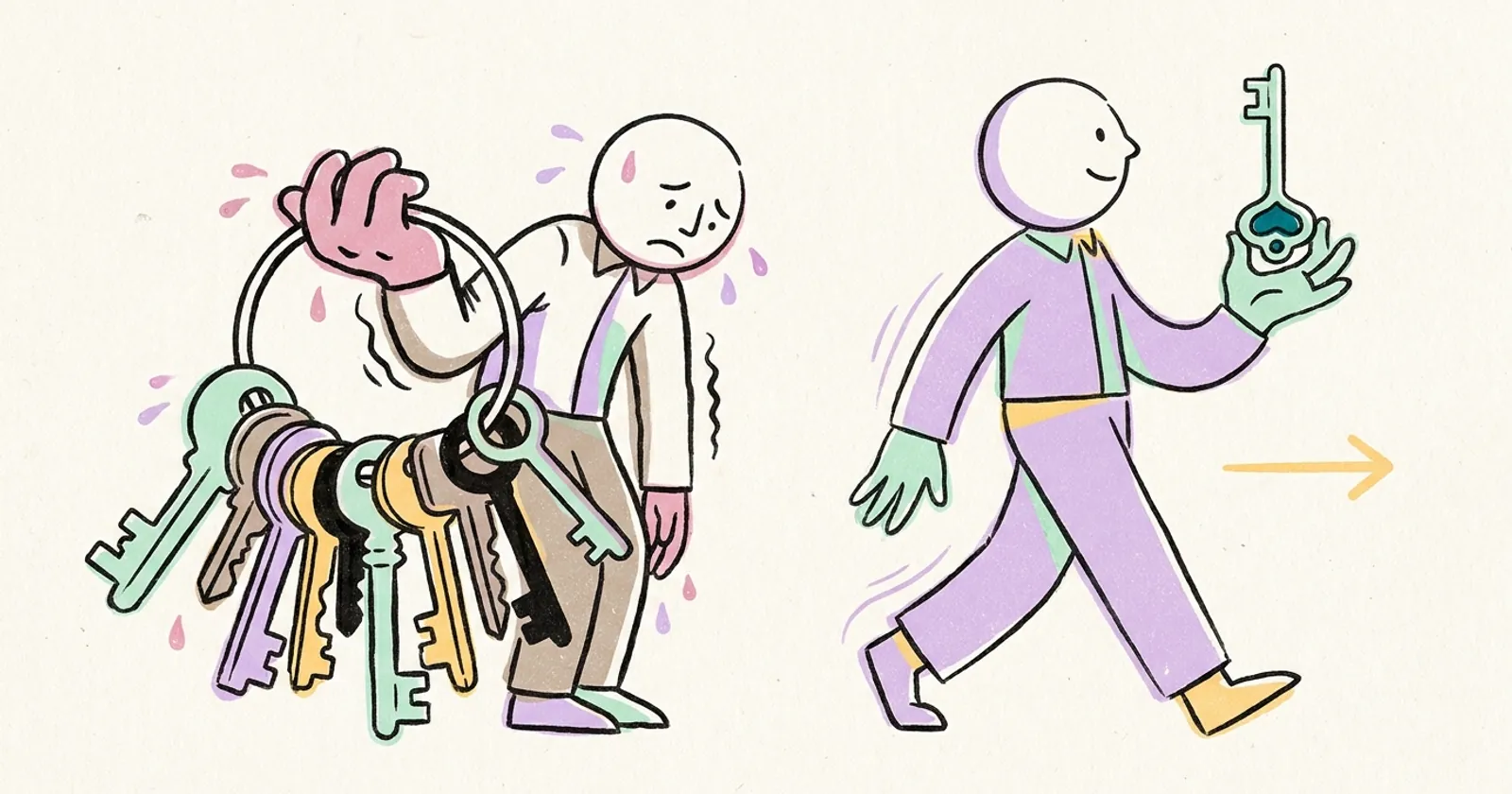
A bot can only work from the data it can reach. Picture the common stack: HubSpot for the CRM, Intercom for support, Aircall for calls, Fathom for meeting notes, Slack for the team, glued with Zapier. Each of those products now has its own AI features, and each AI sees its own slice. The support AI doesn't know the customer is in the middle of an expansion deal. The CRM's AI doesn't know about the angry chat from this morning. The meeting notes sit in a third place.
When every call, email, chat, deal and invoice sits on one customer record, a bot reads all of it in one place. That's how Leo can brief a rep with the last support conversation, and how Nora can answer about a feature the day Iris documents it. Nothing has to be synced first, so there's no Zap to break at 2 a.m.
There's a cost side too. Paying for AI add-ons on top of each tool adds up. Moving to one all-in-one app can cut the software bill by 60 to 80%, and the bots come with the app. We walk through the numbers in the true cost of your SaaS stack and SaaS consolidation.
How do you start with bots without breaking anything?
- Pick the job your team complains about most. Usually that's repeated support questions or post-call notes.
- Give the bot the source it answers from. For support, that's the help center. If it's thin, let Iris propose the articles first.
- Keep a person on approvals for the first weeks. Read what the bot sends and correct it. Nora saves what she learns from your answers.
- Set a spending limit. Every Alori bot has a hard limit on what it can spend in a week or a month, so a busy week never surprises you.
- Add the next bot once the first one is trusted.
If your data still lives in HubSpot, Aircall or Intercom, import it first. At InputKit, HubSpot contacts and deals came over with every email, call, note, task and file in about two hours. The whole story is in the InputKit case study.
Frequently asked questions
Will AI bots replace my admin staff?
They take over tasks first. At InputKit, Iris took over work that took close to one full-time person, and that person's time went elsewhere. In most 10 to 100 person companies, nobody is hired for admin in the first place, so the time comes back to reps, support and the founder.
Are AI bots for business just another AI toy?
Some are. The test is whether the bot finishes a real job with your real data and hands you something to approve. A bot that drafts the follow-up, updates the deal and waits for your tap is doing work. A chat window that only answers general questions is not.
How do I stop a bot from doing something wrong?
Keep approvals on anything that commits the company, give the bot clear sources to answer from, and set a spending limit. Teammates can only change records their role allows, and the bot follows the same rules.
What do Alori's bots cost?
When you turn on a bot, Alori shows what it costs on average a month, based on accounts like yours. See pricing for the plans.
Do bots work if my data is in another CRM?
Bring the data in first. Alori imports from HubSpot, Aircall and Intercom in one click, so the bots start with your full history.
Put the bots to work
If your team spends its afternoons copying notes between tools, start with one bot on one job and see how much time comes back. Alori is free to start, with no credit card. Describe your business and your app is set up around how you work, bots included.