 Philippe Genois
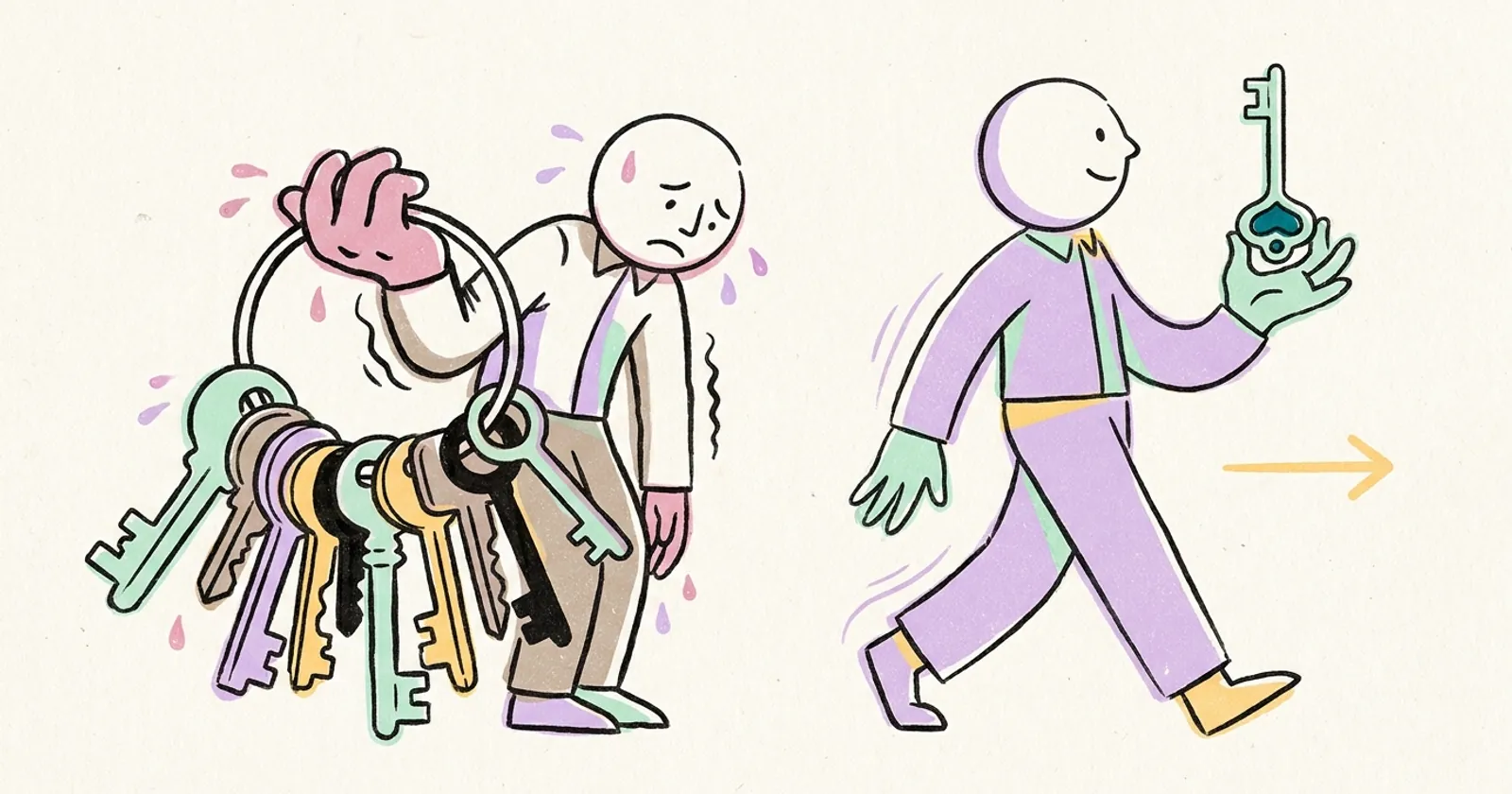
Moving from 15 logins to one means your team stops hunting for customer information across tools and stops copying it from one tool to another. Every call, email, chat, deal and invoice sits on one customer record, a new hire gets everything from one invite, and someone who leaves loses access everywhere when you remove them once. Your team spends more of the day with customers and less of it in tabs.
At InputKit, the 15-person software company I co-founded, the team used to juggle a dozen apps and as many logins. Today it runs on one Alori app. Here's what that looks like for three people on a typical team.
Why do too many logins hurt a 10 to 100 person team?
Each tool was a good decision when you bought it. HubSpot for the CRM, Intercom for support chat, Aircall for the phones, Fathom for meeting notes, Slack for the team, Gmail for email, a scheduling tool, an email campaign tool, and Zapier to move data between them. The trouble starts in the gaps between them:
- The same customer exists five times, and no two copies agree.
- Someone has to copy notes, call outcomes and deal changes from one place to another, and they forget on busy days.
- A new hire needs a dozen accounts before they can do their job, and a person who leaves keeps a few of them open longer than anyone intended.
- The bill grows with every seat in every tool.
We cover the money side in SaaS sprawl and per-seat pricing.
What does a sales rep's day look like before and after?
Before: Picture Maya, a rep at a 30-person software company. She starts her morning in HubSpot to see her deals, then opens Gmail to read replies, then Fathom to find notes from yesterday's demo. Before a call, she checks Intercom to see if this prospect already talked to support during the trial. She calls from Aircall, takes notes in a doc, and after the call copies the summary into HubSpot, moves the deal and writes the follow-up email from scratch. If the call ran late and the next one started, the CRM update waits until Friday, when she reconstructs the week from memory.
After: Maya opens one app. Her morning brief from Leo, the sales assistant, lists her meetings with a short note on each company and deal. The prospect's record shows the trial chats, past emails and last demo in one timeline. She calls from the record; the call is recorded and summarized on it. When she hangs up, the recap, the follow-up email in her voice and the deal changes are drafted. She taps Send and Apply.
At InputKit, reps now spend 60% less time on admin, and the closing rate went up. Details in the InputKit case study.
What does a support person's day look like before and after?
Before: Jordan, on support at the same company, works the Intercom inbox. A customer asks why their invoice is higher this month. Jordan opens Stripe to look at the subscription, HubSpot to check whether sales promised a discount, and Slack to ask the account manager. Three tabs and one Slack thread later, he answers. Meanwhile, the same question about a new feature has come in six times, because the help article still shows last month's screen.
After: Most chats and emails never reach Jordan. Nora, the support agent, answers them on the website, in the app, and on Instagram and Facebook, from a help center that Iris keeps in step with the product. For customers signed in on your site, Nora can check their Stripe subscription and invoices with their own access. When she passes a conversation to Jordan, she says why and drafts a reply. Jordan sees the customer's deals, calls and past chats on the same screen and asks the account manager in the team chat inside the same app.
What does the founder's day look like before and after?
Before: The founder wants three numbers for Monday's meeting: new deals this week, open support conversations and overdue invoices. That means exporting from HubSpot, counting in Intercom and checking the invoicing tool, then pasting it all into a spreadsheet. Twice a month, a Zap breaks and leads stop reaching the CRM for a day. The founder is also the only person who knows how all of it connects.
After: The founder asks Sam, the team's AI teammate, in the app, by text or on the phone: "How many deals did we open this week, and which invoices are overdue?" Sam answers from the data. Standing work becomes an automation described in a sentence, like "if an invoice over $5,000 goes overdue, call me". There's no separate automation tool to maintain, which is the subject of why Zapier setups break.
What changes when someone joins or leaves?
| Moment | With 15 tools | With one app |
|---|---|---|
| A rep joins | Accounts in the CRM, phone system, support tool, email tool, notes tool, chat; each with its own invite and its own seat | One invite to the app |
| Their first day | Learning where each kind of information lives | One customer record with the whole history |
| They change roles | Permissions changed tool by tool | One role changed in one place |
| They leave | Each account closed by hand, if someone remembers | Removed once: signed out of the app and locked out right away, their records stay |
Offboarding is a security question as much as a convenience one. Every tool you forget to close is an account a former employee can still open, often with your customer list inside it. With one app, removing a person signs them out and ends their access at once, and the deals, calls and notes they worked on stay with the company.
Doesn't all-in-one mean mediocre?
It's a fair worry. Older all-in-one suites often did ten things passably. Two things changed. First, an app set up around how your business works can keep the parts you use and leave out the rest. Second, the tools that matter most in a small company are the ones that touch customers, and those work better when they share one record. A call summary is more useful sitting next to the deal it changed.
Alori doesn't try to do everything. It integrates with QuickBooks for accounting and doesn't replace accounting or payroll. If a specialist tool works well for you and doesn't need customer data from the others, keep it. We compare both approaches in all-in-one vs best-of-breed.
Isn't switching a nightmare?
Switching is the step people dread most, so here are InputKit's facts. HubSpot contacts and deals came over with every email, call, note, task and file in about two hours. Alori imports from HubSpot, Aircall and Intercom (its help center) in one click. The rest of the team moved tool by tool.
A safe order:
- List every tool your team logs into and what each one holds.
- Move the customer record first: contacts, companies, deals and their history.
- Turn on phones, email and support chat inside the app, so new activity lands on the record.
- Run the old tool alongside for a couple of weeks, then cancel it. Before you cancel a subscription has the checklist.
What does one app save in money?
Money is the easiest part to count. Replacing a stack of separate subscriptions with one all-in-one app can cut the software bill by 60 to 80%. Every Alori plan includes unlimited users, with no fee per seat, so a new hire doesn't add a line to a dozen invoices. Run your own numbers with the true cost of your SaaS stack or a software stack audit.
Frequently asked questions
Is one platform for everything realistic for a B2B SaaS company or agency?
For the work around customers, yes: CRM, phones, email, support chat, help center, meetings, scheduling, quotes, invoices and team chat. InputKit, a 15-person software company with 2,000 customers, runs on one Alori app. Accounting and payroll stay in specialist tools.
What happens to our data in the old tools?
It stays there until you cancel. Imports from HubSpot, Aircall and Intercom bring the history into Alori first, so you can check it before you close anything.
How do we handle security when someone leaves?
Remove them from the app once. They're signed out and lose access right away, and their records stay with the company.
Do we pay more as the team grows?
Every Alori plan includes unlimited users with no fee per seat. See pricing.
Try one login
If your team spends its mornings opening tabs, set up one app and move one team first. Alori is free to start, with no credit card. Describe your business and see your customers, calls and deals on one screen.