 Philippe Genois
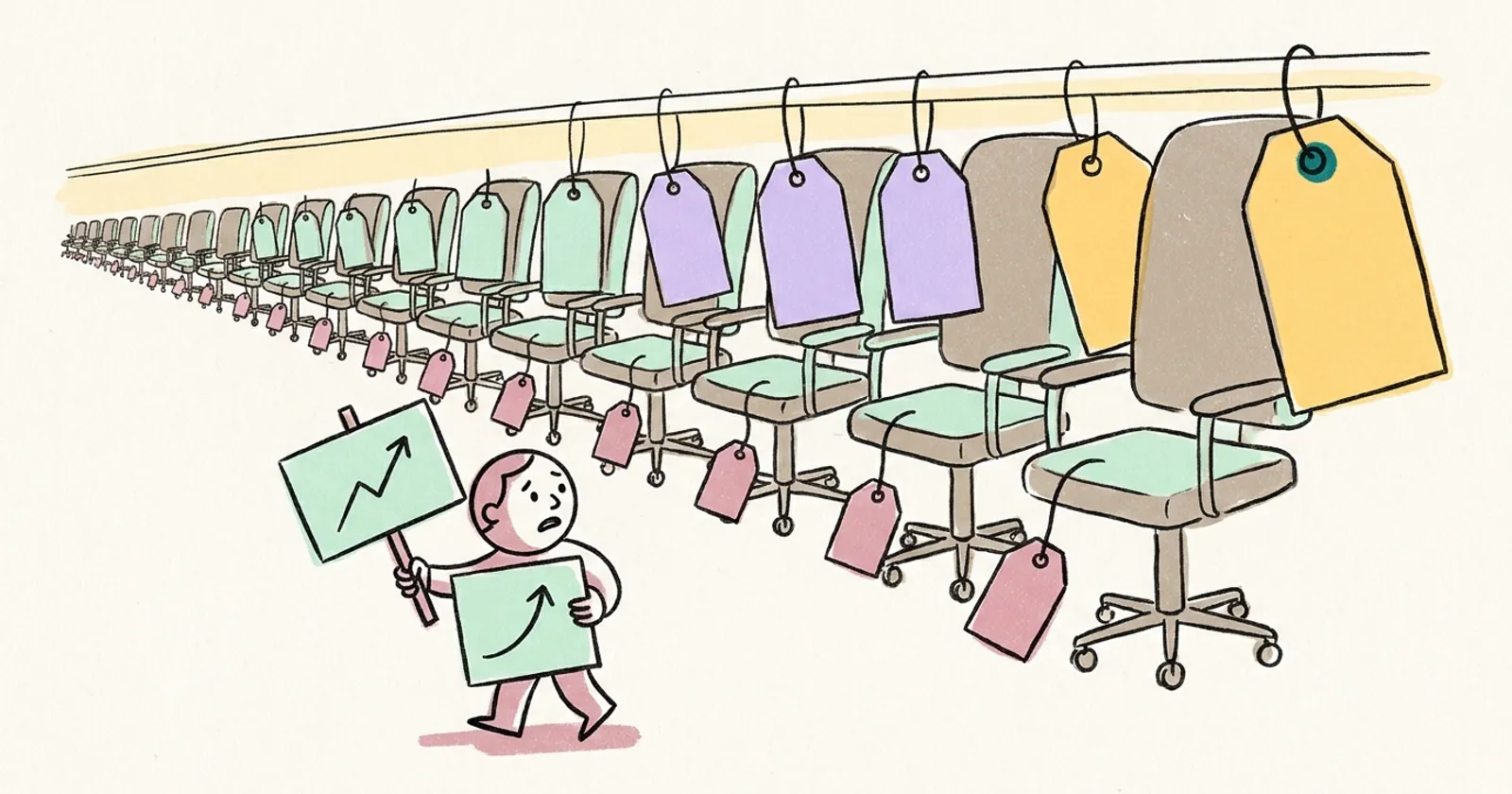
Per-seat pricing means each tool charges for every person who logs in, so every hire raises the bill on every tool at once. Across a stack of 10 to 15 tools, a new hire can add a few hundred dollars a month in software before they do any work, and the bill grows with headcount instead of with what the software does for you. To fix it, add up what you really pay, then move toward fewer tools and pricing that doesn't charge per person.
When I was growing InputKit, I watched our software bill climb with every hire, and it took me too long to see why. Each tool's price looked reasonable on its own page. The multiplication only shows up when you put them side by side.
How does per-seat pricing work?
Per-seat (or per-user) pricing charges a fixed amount per person, per month, usually with tiers. A few details make it more expensive than it looks:
- Features you need often sit on a higher tier, and the tier price applies to every seat, including people who don't use that feature.
- Some plans have a minimum number of seats.
- Annual contracts lock in the seat count. Adding people mid-year raises the bill right away, while removing people often has to wait for the renewal.
- Some tools now add a second meter on top of seats, such as a fee per AI answer or per resolved chat.
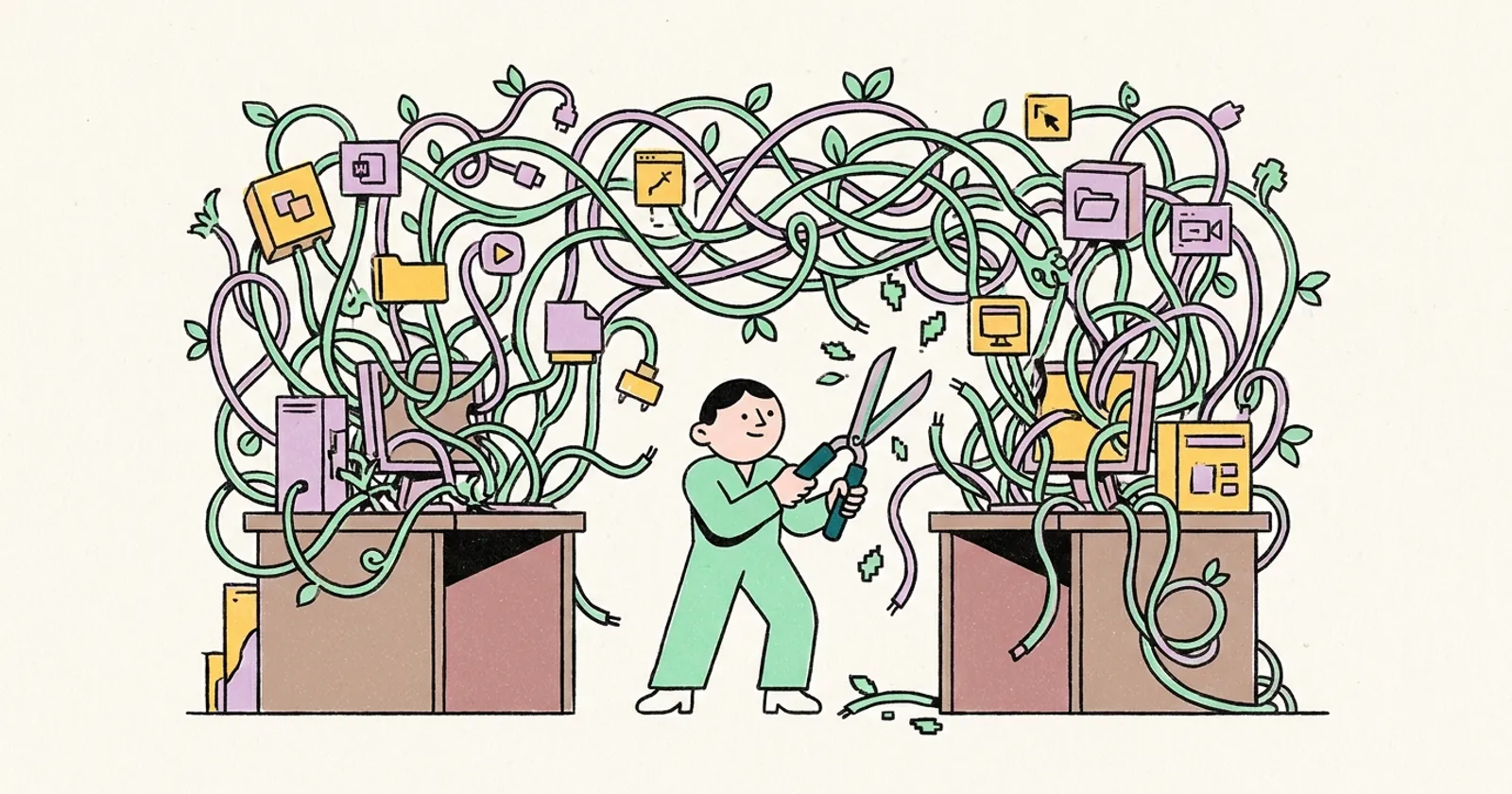
Vendors list all of this, but it's spread across a dozen of them, so nobody adds it up.
Why does per-seat pricing add up so fast?
Because your cost is seats times tools, and both numbers go up together. Here is a worked example for a 30-person software company or agency. The prices are round illustrative numbers, not any vendor's list price, so redo it with your own invoices.
| Tool | Seats paid | Price per seat (example) | Monthly |
|---|---|---|---|
| CRM, sales tier | 12 | $90 | $1,080 |
| Cloud phone system | 15 | $40 | $600 |
| Support chat and help desk | 8 | $60 | $480 |
| Meeting recorder | 15 | $20 | $300 |
| Team chat | 30 | $9 | $270 |
| Scheduling | 15 | $12 | $180 |
| E-signature | 5 | $30 | $150 |
| Help center add-on | 4 | $25 | $100 |
| Email campaigns (per contact, not per seat) | $300 | ||
| Automation tool (per task, not per seat) | $100 | ||
| Total | $3,560 |
That's $42,720 a year, or about $119 per employee per month. It doesn't count the time spent keeping the Zaps alive or copying data between tools, which the true cost of your SaaS stack shows how to estimate.
What happens to the bill when you hire?
Say the same company hires five salespeople and five support agents next year.
A salesperson needs the CRM, the phone, the meeting recorder, team chat, scheduling and e-signature: $90 + $40 + $20 + $9 + $12 + $30 = $201 a month. A support agent needs the help desk, the phone, team chat, the help center and the meeting recorder: $60 + $40 + $9 + $25 + $20 = $154 a month.
Ten hires add $1,775 a month, or $21,300 a year, before anyone closes a deal or answers a ticket. If one of those hires pushes you into a higher tier for a feature, every existing seat on that tool gets more expensive too. The bill grows faster than the team.
What does per-seat pricing cost besides money?
The bigger cost is what teams do to avoid it: they ration seats. The customer success manager doesn't get a CRM seat, so she asks a rep to look up the deal. Only two people can see call recordings. Someone shares a login, which most vendors forbid. Each workaround means information stops reaching the people who need it, and work slows down in ways that never show on an invoice.
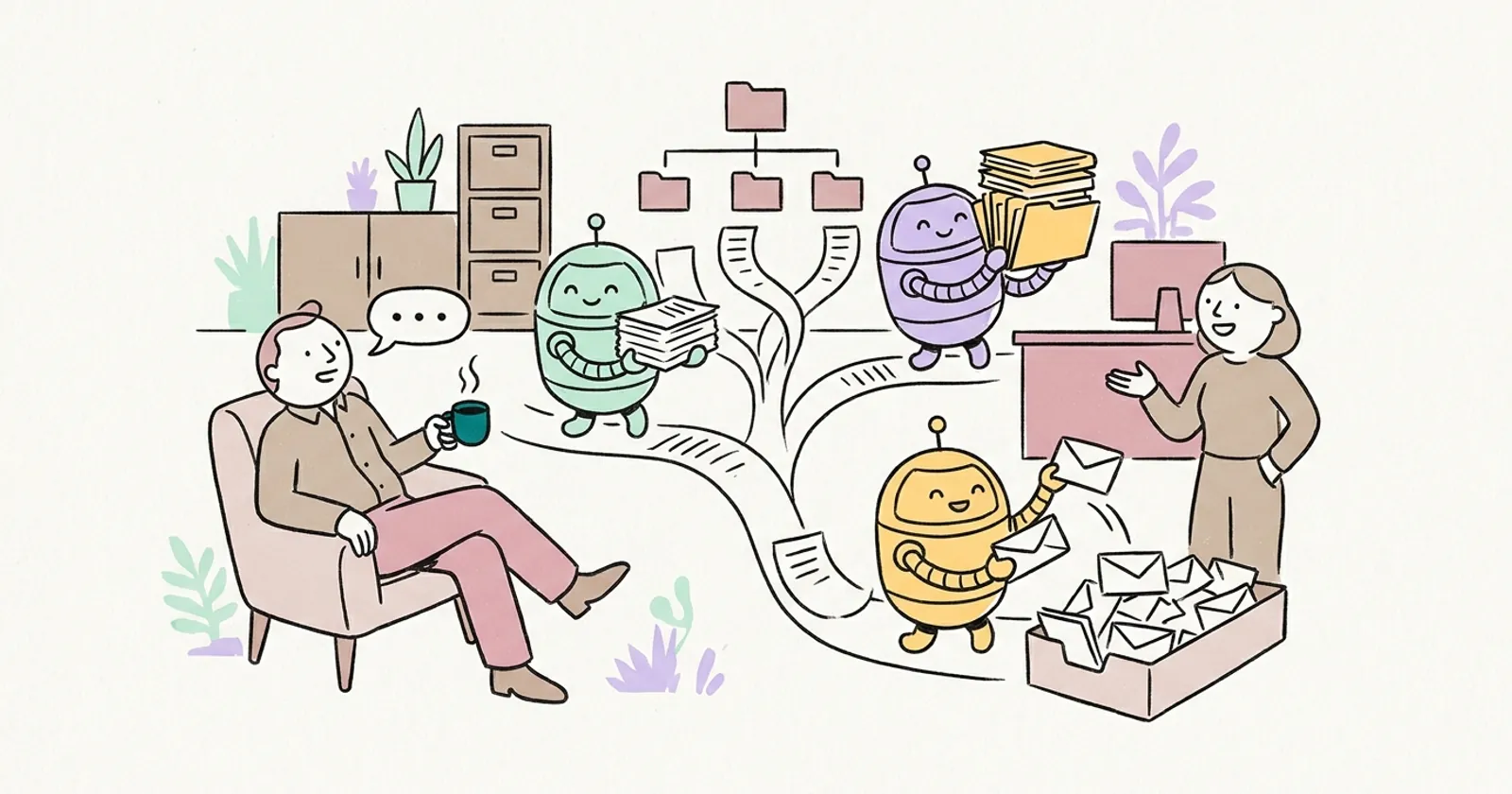
Seat pricing also fits badly with AI. When a bot answers support chats or drafts sales follow-ups, the work no longer needs a human seat, yet some vendors charge per seat for the humans and per answer for the bot. AI bots for admin work covers what bots can take over today.
How do you add up your own software cost per employee?
It takes an afternoon:
- Pull every recurring software charge from the last three months of card statements and invoices. Include the small ones.
- For each tool, note how it charges (per seat, per contact, per task, flat), how many seats you pay for, and how many people actually logged in during the last 30 days.
- Add up the monthly total and divide by headcount. That's your software cost per employee.
- Take your hiring plan for the next 12 months and multiply it out tool by tool, as in the example above. That's what growth will cost you in software alone.
- Write down each renewal date. That's when you can change seat counts or leave.
The software stack audit has a template for this, and SaaS sprawl covers how stacks get this way.
There's no correct benchmark for this number, so watch the trend instead. If your cost per employee is flat or rising while each tool claims to save you time, the stack isn't getting cheaper as you grow.
What should you look for instead?
Look for pricing that doesn't multiply by headcount, and for fewer tools to multiply in the first place.
| Look for | Why it matters |
|---|---|
| Unlimited users, or a flat price for the team | Hiring doesn't raise the software bill |
| One app that covers several jobs | Fewer tools means fewer things multiplied by seats |
| AI work billed by use, with a visible cost | You pay for work done, and you can cap it |
| Easy export and short commitments | You can leave if it stops fitting |
| Your whole team on the same data | Nobody rations access to the customer record |
Usage-based pricing has its own risk, since the bill moves with activity, so look for a tool that shows what things cost before you turn them on and lets you set limits.
How does Alori charge?
Every Alori plan includes unlimited users, with no fee per seat. Alori is one all-in-one app that covers the CRM, quotes, invoices, scheduling, team chat, built-in calls and texts with recording and summaries, support chat and a help center, email campaigns, video meetings with AI notes and a website, so the tools in the table above mostly become one line. You pay in credits for changes to your app and for calls, texts, video and AI work. Each bot's page shows its monthly cost before you turn it on, and you can set a spending limit. Companies that switch can cut their software bill by up to 80%, depending on what they pay today. The pricing page has the plans.
At InputKit, a 15-person software company, about a dozen tools (HubSpot, Aircall, Intercom and others) moved into one Alori app. The InputKit case study has the numbers.
Frequently asked questions
What is per-seat pricing?
A pricing model where a software tool charges a fixed amount per user per month. Your bill goes up each time you add a person to the tool, and often again when you need a higher tier.
Is per-user pricing ever fair?
Yes, when each user gets a lot of value from the tool and you only have a few tools. It becomes a problem when a dozen tools each charge per user, because every hire is multiplied across all of them.
How much should SaaS cost per employee?
There's no universal number. Work out your own from your invoices (total monthly software spend divided by headcount), then watch whether it rises or falls as you hire.
Can I negotiate per-seat pricing?
Often, at renewal. Ask to pay only for active users, to lower the seat count to what people really use, or for a team price. Know your renewal dates so you negotiate before the contract renews on its own.
Does Alori charge per user?
No. Every plan includes unlimited users, with no fee per seat. Changes to your app, calls, texts, video and AI work use credits from your plan.
Stop paying for every login
Describe your business and Alori sets up one app around how you work, with your whole team on it at no extra cost per person. It's free to start, with no credit card. Start free, or see the pricing.