 Philippe Genois
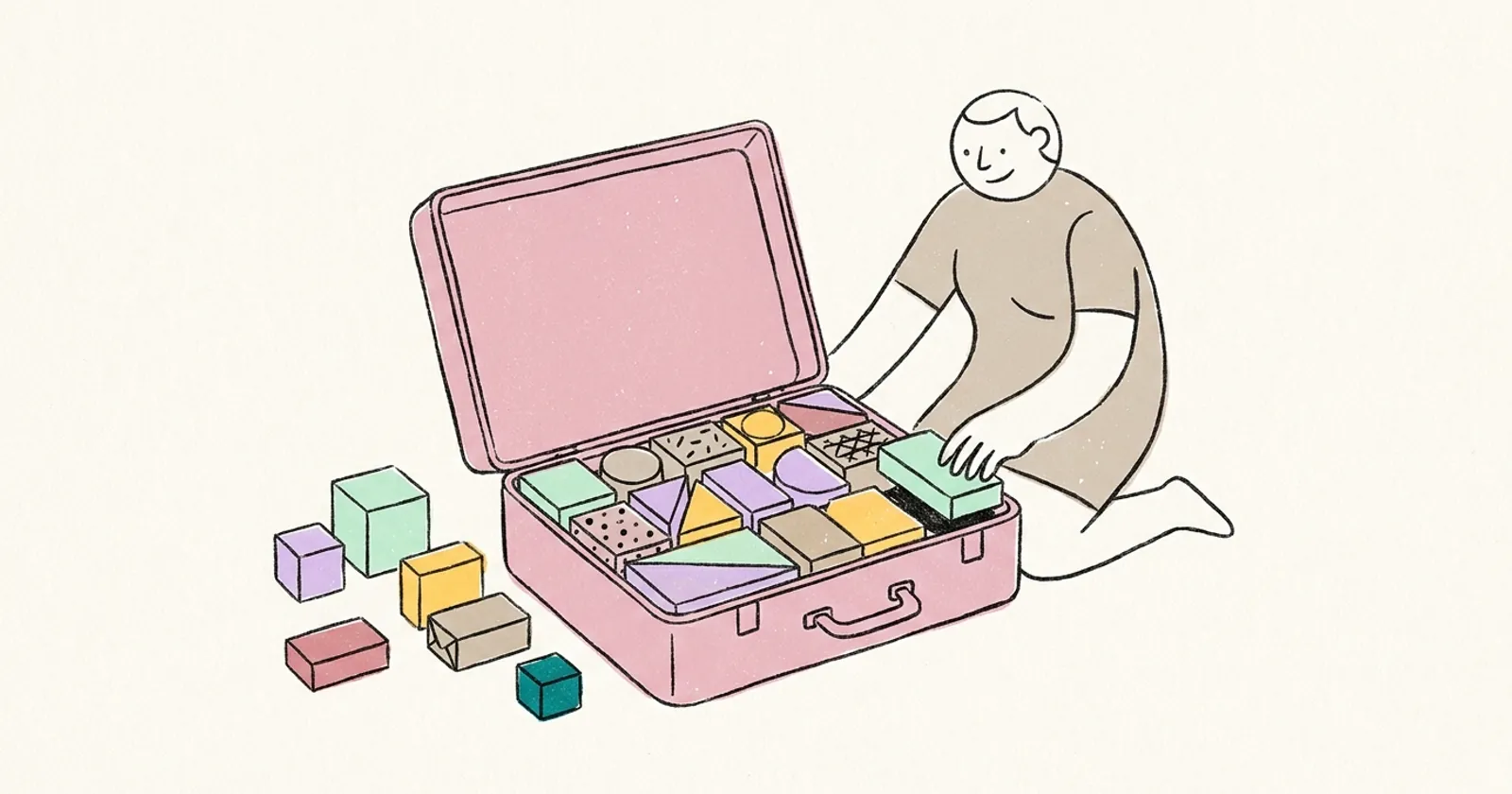
SaaS consolidation means replacing many overlapping software subscriptions with fewer tools, ideally one app for everything your team does with customers. To go from 15 tools to one: list every tool, group them by the job they do, keep the few that should stay (accounting and payroll), move your data in order (CRM first with its full history, then phones, support and the help center), run old and new side by side for a few weeks, and cancel each tool before its renewal. Most of the risk is in the order and the overlap period, and both are easy to plan.
Why consolidate software tools at all?
Each tool you add brings a bill, a login, a place where customer data lives and an integration to maintain. Past a dozen, the integrations and the scattered history cost more than the subscriptions. We put numbers on that in SaaS sprawl and the true cost of your SaaS stack.
Consolidating reduces SaaS spend directly (fewer subscriptions, fewer seats) and indirectly (no Zaps to fix, no hunting across tools, one place to onboard and offboard people). With one app, the software bill can drop by 60 to 80%, depending on what you replace.
Step 1: How do you take inventory of your SaaS tools?
Open your card and bank statements for the last three months and write down every software charge. Then ask each team lead what their team uses, because some tools are paid on personal cards and expensed.
For each tool, note:
| Column | Why you need it |
|---|---|
| What it costs per month | The savings target |
| Seats, and who holds them | Shows seats held by people who left |
| Renewal date and notice period | Tells you when you can cancel without paying another term |
| What data lives in it | Tells you what has to move |
| What it connects to | Shows which Zaps and integrations break when it goes |
| Who owns it | The person who signs off on replacing it |
Our software stack audit has a longer version of this list.
Step 2: How do you group tools by job?
Sort the list by the job each tool does. For a B2B software company or an agency, it usually looks like this:
| Job | Typical tools | Consolidate? |
|---|---|---|
| Customers, deals, pipeline | CRM, spreadsheets | Yes, first |
| Phone calls and texts | Phone system, dialer | Yes |
| Support chat and tickets | Chat widget, help desk | Yes |
| Help center | Docs or knowledge base tool | Yes |
| Gmail, an email client | Keep Gmail, connect it | |
| Email campaigns | Newsletter or campaign tool | Yes |
| Meetings | Video tool, meeting recorder, scheduling links | Yes |
| Quotes and invoices | Proposal tool, invoicing tool | Yes |
| Team chat and tasks | Chat app, project tool | Often |
| Automations | Zapier, Make | Mostly goes away |
| Accounting and payroll | QuickBooks, payroll provider | No, keep |
| Engineering | GitHub, hosting, error tracking | No, keep |
Everything in the "yes" rows touches the same customers, and each of those tools keeps its own copy of your customer list. That's why they overlap so much and need so much glue.
Step 3: Which tools should stay?
Keep the tools whose job has nothing to do with your customer conversations, or where switching carries legal or financial risk:
- Accounting and payroll: your accountant knows them, and they hold years of records. Alori doesn't replace them. It works with QuickBooks.
- Your engineering tools: code, hosting and monitoring have nothing to do with your customer records.
- Anything with a contract you can't exit yet: put its renewal date on the calendar and move it in a later wave.
Everything else is a candidate. If a team insists on keeping a tool, ask what it does that the new app doesn't, and write the answer down. Sometimes the answer is real, and that's fine. We cover where specialist tools still win in all-in-one vs best of breed.
Step 4: In what order should you move your data?
Order matters because every other tool refers to your customers. Move the customer records first, then hang everything else on them.
1. The CRM, with its full history
Bring contacts, companies, deals and pipelines, plus every email, call, note, task and file attached to them. If you only bring the contact list, your team loses the context they need on day one and keeps the old CRM open "just to check".
In Alori, the HubSpot import does this from one screen: you connect HubSpot, check what comes over (owners matched to your teammates, pipelines and stages, custom fields), and start it. Contacts, companies and deals come over with every email, call, note, task and file. Your HubSpot workflows come over too, as automations that stay off until you turn them on. At InputKit, the full HubSpot history came over in about two hours.
2. Phones
Next, the phone system, because calls should land on the customer records you just moved. Alori's Aircall import rebuilds your phone setup (each number's ring steps and your Aircall teams, matched to teammates by email) and brings your call history with recordings and Aircall's transcripts and summaries.
3. Support and the help center
Then support conversations and the help center. Alori's Intercom import brings your conversations, tickets, saved replies and help center articles into the matching parts of the app. Once the help center is in, Nora (the support bot) can answer from it, and Iris can keep it current.
4. Everything else
Email campaigns, meetings, scheduling links, quotes and invoices usually need less history. Recreate the templates and booking pages, connect Gmail, and let new activity start in the new app.
Before each move, export a full copy from the old tool and keep it as your archive.
Step 5: How long should you run old and new tools in parallel?
Two to four weeks per wave works for most teams. During that time:
- New work happens in the new app.
- The old tool stays open, read-only, for looking things up.
- People write down anything they still go back to the old tool for.
- You fix those gaps (often by asking for a field or a view in plain words) before cutover.
Turn off the Zaps that synced the tools you're replacing at cutover, not before, so nothing double-writes during the overlap. Why your Zapier setup keeps breaking explains what to do with the ones that remain.
Step 6: When should you cancel?
Cancel each tool once the team hasn't opened it for a week, and before its renewal date. Do one last export first, and check your next two statements to confirm the charge stopped. Our checklist for before you cancel a subscription has every step, including notice periods and yearly plans.
What does a realistic consolidation timeline look like?
For a 20 to 50 person team, as a rough guide:
| Week | What happens |
|---|---|
| 1 | Inventory, grouping, decide what stays, pick a cutover date per wave |
| 2 | CRM import with full history; sales works in the new app, old CRM read-only |
| 3 | Phones and support move; the support team works in the new app |
| 4 | Help center, campaigns, meetings, quotes and invoices |
| 5 to 6 | Parallel period ends, Zaps turned off, cancellations timed to renewals |
Is switching as painful as it sounds?
It used to be, mostly because imports left the history behind. Teams that moved only contact lists spent months going back to the old tool. Moving every email, call, note and file with the records removes most of that pain, and the parallel period catches the rest.
The other worry is that one app means weaker tools. For the customer-facing jobs, the gain from having every call, email, chat and deal on one record is usually bigger than the extra features a specialist tool has. Where a specialist really wins for your team, keep it.
Frequently asked questions
What is SaaS consolidation?
It's reducing the number of software subscriptions a company pays for by replacing overlapping tools with fewer ones, often a single app for sales, support, phones and email.
How much can I save by consolidating software tools?
It depends on what you replace. Moving customer-facing tools into one app can cut the software bill by up to 80%, before counting the time no longer spent on integrations. Redo the math with your own statements using our SaaS sprawl example.
What should I move first?
The CRM, with its full history. Every other tool refers to your customers, so they need a home before calls, chats and tickets can land on them.
Do I have to move everything at once?
No. Move in waves (CRM, then phones and support, then the rest), each with a short overlap, and time cancellations to renewal dates.
Plan your own consolidation
Describe your company and see the one app Alori sets up for it, then import HubSpot, Aircall or Intercom when you're ready. Start free, no credit card needed. You can also read how InputKit did it or check pricing.