 Philippe Genois
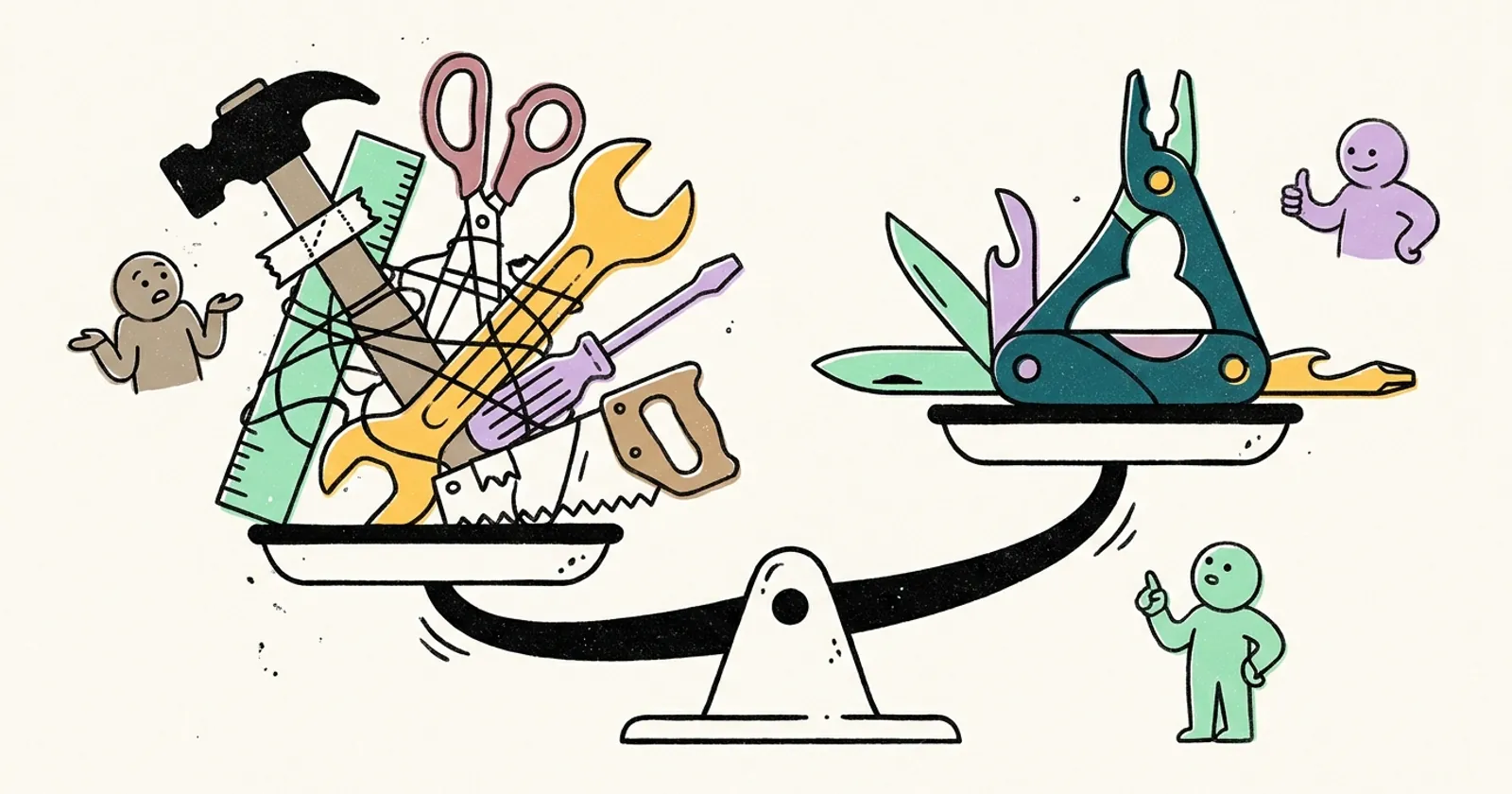
Zapier setups break because every Zap depends on two other products staying exactly the same: the same field names, the same API, the same login. When one of them changes, the Zap fails or, worse, keeps running and writes the wrong data. Meanwhile the bill grows with every task, only one person understands how the Zaps fit together, and contacts get duplicated across tools. The lasting fix is to need less glue: when your CRM, phones, support and email live in one app with one database, there is nothing to sync, and the automations you keep can be written in plain words.
Zapier is a good product. It connects thousands of apps, and someone non-technical can build a useful Zap in an afternoon. The trouble starts when a company runs its core work on dozens of Zaps that exist only because its customer data is split across tools.
Why do Zaps break without anyone noticing?
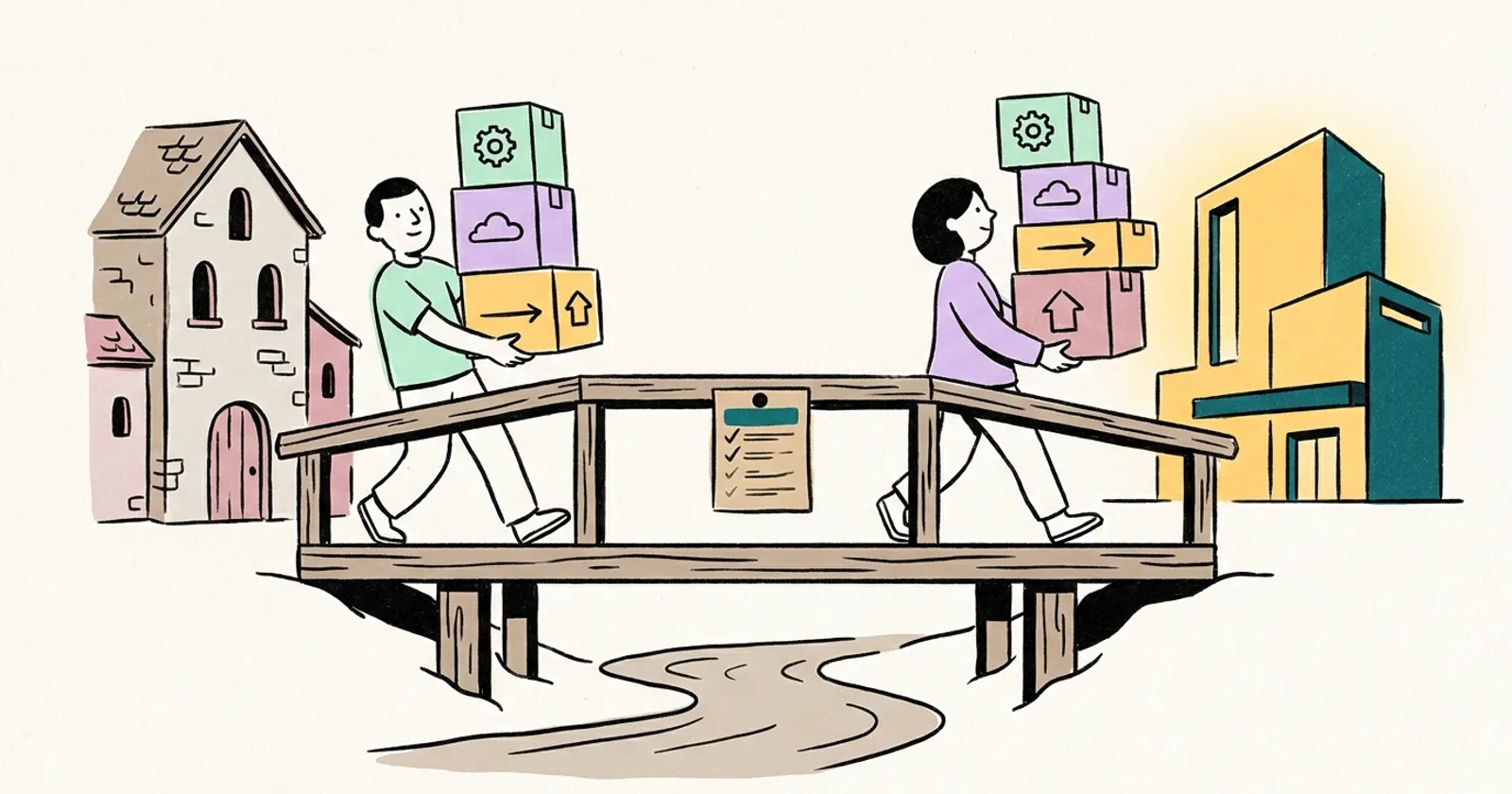
A Zap relies on two products that never promised to stay the same for it. Four kinds of change break it.
The most common is a field change. Someone renames "Lead source" in the CRM, adds a required field, or changes a dropdown value from "Demo booked" to "Demo scheduled". The Zap that matched on the old value stops matching, and nothing errors because, as far as Zapier can tell, there was simply nothing to do.
Apps also change their APIs and triggers. Integrations get new versions, and old ones get retired. A trigger that fired on "new contact" might start firing on "contact updated", or stop including a field your next step relied on.
Connections expire too. The person who connected HubSpot or Intercom leaves, changes their password or loses admin rights, and every Zap using their connection stops.
Then there's data in a shape nobody planned for: an email in uppercase, a phone number with an extension, a lead with no company. The Zap runs, the step after it creates a half-empty record, and nobody sees it until a rep finds the mess.
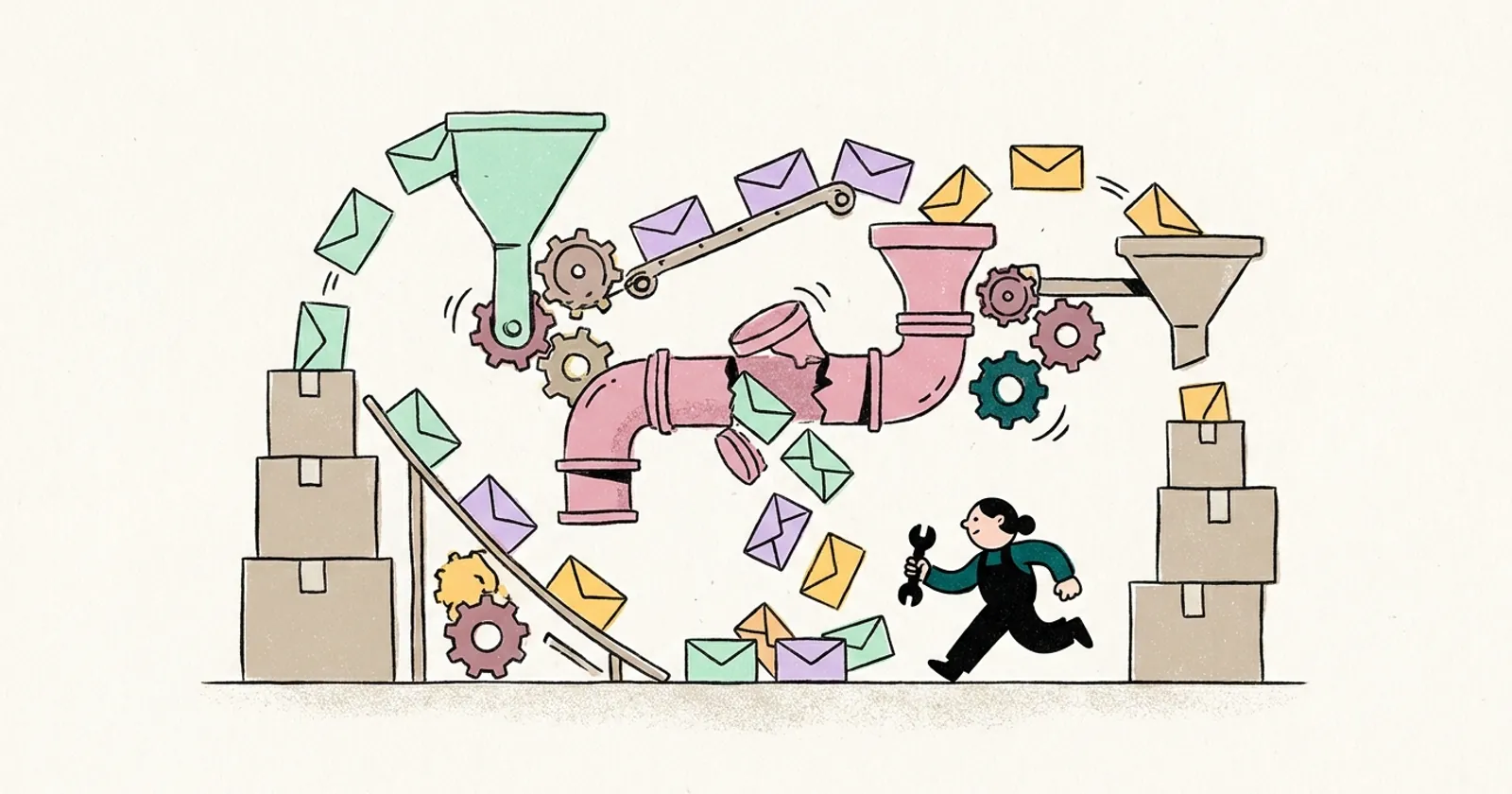
Zapier does alert you when a step errors. It can't alert you about a Zap that never triggers, or one that runs fine and writes the wrong thing, and those are the expensive failures. They can go unnoticed for weeks, and you find out when a customer asks why nobody followed up.
Why does the Zapier bill keep growing?
Zapier bills by tasks: each action a Zap completes counts as one. That's a fair model for light use, and it grows quickly when your core processes run through it.
A worked example, with round numbers you should replace with your own:
| Zap | Runs a month | Actions per run | Tasks a month |
|---|---|---|---|
| New website lead → CRM, Slack, enrichment, owner assignment | 600 | 4 | 2,400 |
| Deal stage change → billing tool and project tool | 300 | 2 | 600 |
| New support chat → CRM lookup and note | 1,500 | 2 | 3,000 |
| Call ended → log call on contact | 2,000 | 1 | 2,000 |
| Meeting notes → CRM note | 400 | 1 | 400 |
| Total | 8,400 |
None of those Zaps does anything a customer sees. They move the same customer between tools. As the company grows, the leads, chats and calls grow, and the task count grows with them. Add a two-way sync and a single change can bounce between tools and use tasks on both sides.
The bigger cost is usually the time of whoever maintains the Zaps. Even a few hours a week of fixing and checking adds up to more than the subscription.
Why does only one person understand the Zaps?
Zaps get built one at a time, by whoever needed them, over a few years. Nobody designed the whole system, so nobody has a map of it. A typical account ends up with Zaps named "Copy of HubSpot to Slack (new)", Zaps that depend on other Zaps, and a few that nobody dares turn off because something might depend on them.
The person who built most of them becomes the only one who can fix them. When they're on vacation, broken Zaps wait. When they leave, the company inherits a system it can't read. This is the same problem teams hit when they rebuild internal tools with Lovable or Replit: building the first version is fast, and keeping it working falls on one person.
Why does Zapier create duplicate contacts?
Each tool keeps its own customer list, and each Zap has to decide whether the person in front of it already exists in the other tool. That decision usually rests on matching an email. The same person writes to support from a personal address, books a demo with a work one, and calls from a number your phone system doesn't link to either. Each Zap creates a new contact, and the CRM ends up with three copies of one customer, each with part of the history.
Two-way syncs make it worse: tool A updates tool B, which updates tool A, and a change that crosses in the middle can create a copy or overwrite the newer value.
Is the problem Zapier itself?
No. Zapier does what it promises, and it's often the right choice for connecting a tool you'll always keep (your accounting software, a form builder, an internal script) to the rest of your stack. Make and n8n have the same strengths and the same limits.
What hurts is the amount of glue your company needs. If customer data lives in a CRM, a phone system, a support tool, a meeting recorder and an email tool, every process that touches a customer crosses tool boundaries, and every crossing needs a Zap.
What should you do instead of more Zaps?
You have four options:
| Option | What you get | What stays hard |
|---|---|---|
| Clean up your Zapier account | Named Zaps, one owner, a written map, error alerts sent to a shared channel | You still sync the same data between tools, and the bill still follows volume |
| Move to Make or n8n | Lower cost per operation, more control (n8n can be self-hosted) | Same number of integrations to maintain, and n8n self-hosted is your server to run |
| Build your own integrations | Code your engineers control and can test | Engineering time on plumbing instead of your product |
| Put the customer-facing tools in one app | One database, nothing to sync, fewer automations to keep | A migration project, and the tools you keep (accounting, payroll) still need connecting |
Do the first one no matter what. The last one removes most of the Zaps, and it's the option we built Alori around.
What does "nothing to sync" look like in practice?
In Alori, the CRM, phone calls and texts, your Gmail inbox, support chat, the help center, meetings with AI notes, email campaigns, quotes and invoices are parts of one app with one database. A call is logged on the customer because the phone is part of the CRM. A support chat shows the customer's deals because they're the same record. Most of the Zaps in the table above have nothing left to do.
What remains are real automations: things that should happen on their own. You set those up by asking Sam, the team's AI teammate, in plain words, from the CRM's Ask Sam panel, by text or in Slack:
When a deal moves to Won, post it in #sales and create the onboarding tasks for the account manager.
Sam sets up the automation and turns it on. An automation starts when a customer, deal, quote, invoice, task, booking or ticket is added or changes, on a schedule, at a set time, or when a meeting ends. Its steps can text, email, call, post in Slack or Team chat, add a task or a note, set a field, wait, or run an AI step written in plain words. You don't have to babysit it:
- Test it runs the automation once, right now, and a test never reaches a customer.
- Each run shows whether it worked, failed or was skipped.
- After 5 failures in a row, the automation pauses and tells whoever set it up.
For the tools you keep, a webhook step still reaches Zapier, Make or your own code. When you import from HubSpot, your workflows come over as automations, turned off until you check them.
What Alori doesn't do: there's no visual flow builder with branches. An automation is a trigger, conditions and steps in order, and an AI step handles the judgment calls.
How do you move off a pile of Zaps?
- Export the list: every Zap, what triggers it, what it writes, and whether it's on.
- Sort each Zap into one of three groups: syncs between tools you're replacing (they go away), automations that do real work like notifications, tasks and follow-ups (you rewrite them in plain words with Sam), and connections to tools you keep (they stay, or become a webhook step).
- Move the tools first. Import the CRM with its full history, then phones and support. Our SaaS consolidation playbook covers the order.
- Turn off sync Zaps at cutover, not before, so nothing double-writes during the overlap.
- Keep the Zaps that still earn their place. InputKit, the software company I founded before Alori, moved about a dozen tools into one Alori app and still runs a few Zaps for tools it kept. The details are in the InputKit case study.
Frequently asked questions
What is the best Zapier alternative?
It depends on why you want one. If you want cheaper or more controllable glue, Make and n8n are the usual picks. If most of your Zaps sync customer data between your CRM, phones, support and email, the better alternative is putting those tools in one app so the syncing goes away.
Why is Zapier so expensive for my company?
Because the bill follows tasks, and tasks follow your volume. When core processes (every lead, chat and call) run through Zaps, the count grows with the business. Look at which Zaps use the most tasks; they're usually syncs between tools that share customers.
How do I stop my Zaps from breaking?
Give every Zap a clear name and one owner, send error alerts to a shared channel, connect apps with a shared admin account rather than a person's login, and avoid renaming fields that Zaps depend on. Then cut the number of Zaps by reducing the number of tools that need syncing.
Can I replace Zapier completely?
For automations inside Alori, yes: they run in the app without a connector. For tools you keep outside it, a webhook step can still call Zapier, Make or your own code, so keep the few Zaps that connect those.
Start with your own company
Describe your company and see the one app Alori sets up for it, with the automations you need written in plain words. Start free, no credit card needed. For the bigger picture, read the future of SaaS.