 Philippe Genois
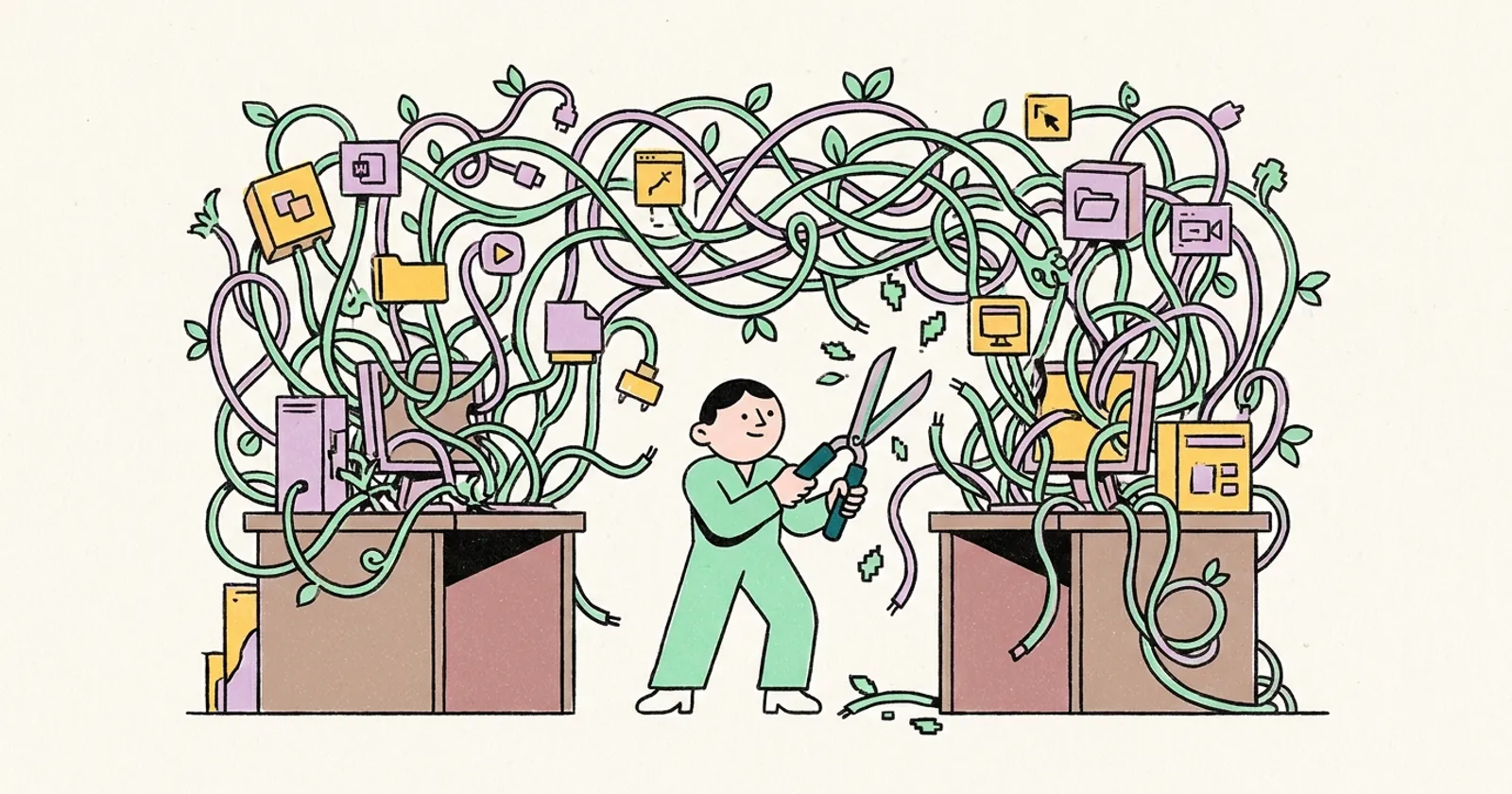
SaaS sprawl is what happens when a company keeps adding software subscriptions, one per problem, until nobody can say how many tools it pays for, who uses each one, or where a given customer's history lives. For a 30-person company, the subscriptions are usually the smaller part of the cost. The bigger part is the overlap between tools, the Zaps and people that keep them in sync, and the hours the team loses looking for information across a dozen logins.
What is SaaS sprawl?
SaaS sprawl means paying for more software than your team needs or can keep track of. You probably have it if a few of these sound familiar:
- Two tools do the same job: two video tools, or a CRM plus the spreadsheet where the "real" pipeline lives.
- Nobody has the full list of what the company pays for. Finance sees card charges, and each team lead sees their own tools.
- A customer's emails, calls, chats and deals live in different places, and none of them has the whole story.
- One person holds the integrations together, and things get tense when they take a vacation.
Having many tools is fine on its own. A 30-person company can run well on ten tools if each one has a clear job, an owner and clean data flowing between them. Sprawl is when the count grows faster than anyone decided it should.
How does a company end up with too many SaaS subscriptions?
Sprawl builds up one sensible purchase at a time. At a B2B software company or an agency, it tends to go like this.
In year one, the founders sell. A CRM, Google Workspace and a team chat are enough.
In year two, the first support hire wants a chat widget and a help center tool. The first sales reps need a phone system, then a meeting recorder because nobody writes notes after calls. Someone adds scheduling links and an e-signature tool. Zapier arrives to push website leads into the CRM and support chats into Slack.
In year three, each team buys for its own problem. Marketing adds an email campaign tool. Customer success wants its own platform. Ops picks a project tool. A few people start paying for AI assistants on their own cards.
Three habits keep it going. Each purchase is small enough to skip approval. Free trials turn into paid plans when nobody cancels. Seats get added when people join and rarely removed when they leave.
At InputKit, the software company I founded before Alori, we ended up with about a dozen: HubSpot, Aircall, Intercom, Zoom, Fathom, Mailchimp, Zapier and more. Every one of them was a reasonable choice the day we bought it.
What does SaaS sprawl cost beyond the subscriptions?
You see the bill. The rest of the cost is spread across your team's week. We break down the general hidden costs of software (double entry, unused features, what you lose when you leave) in the true cost of your SaaS stack. These are the ones that come with sprawl in particular.
Seats you pay for and seats you ration
Per-seat pricing means you pay for every person in every tool, including people who left months ago. It also pushes you to ration access: support doesn't get CRM seats, so they ask sales in Slack what the customer bought. More on that in per-seat pricing.
Overlap
Most tools grow toward each other. Your CRM has email sequences and meeting links, your support tool has a CRM, your phone system records and summarizes calls, and you pay for those features in three plans while using a fourth tool for the job.
Glue
Every pair of tools that has to share data needs a Zap, a native integration or a person copying things by hand. The automation tool has its own bill, and someone has to fix the Zaps when a field changes. See why your Zapier setup keeps breaking.
Logins and switching
A rep preparing for a call opens the CRM, the phone app, the support inbox and the meeting recorder to piece together one customer. Each lookup is quick, but over a year it adds up to a lot of hours. We go through it in the cost of context switching and one login for everything.
Data in 12 places
When customer history is split across tools, nobody sees the whole customer. Reports need exports and a spreadsheet. An AI assistant can't help much either, because it only sees the one tool it's plugged into.
Offboarding risk
When someone leaves, you have to close a dozen accounts. Miss one, and a former employee keeps access to customer data, or a shared password stays in circulation.
What does SaaS sprawl cost a 30-person company? A worked example
Here is an example with round numbers. It isn't anyone's real bill, and list prices change often, so replace each line with what your card statements say.
The company has 30 people: 10 in sales, 6 in support and success, 8 in product and engineering, and 6 in marketing, ops and leadership.
| Tool (job) | Seats | Example price | Per month |
|---|---|---|---|
| CRM | 12 | $90 a seat | $1,080 |
| Support chat and help center | 6 | $80 a seat | $480 |
| Phone system | 16 | $40 a seat | $640 |
| Meeting recorder and notes | 16 | $20 a seat | $320 |
| Video meetings | 30 | $15 a seat | $450 |
| Email campaigns | flat | $300 | |
| Scheduling links | 12 | $12 a seat | $144 |
| E-signature | 4 | $30 a seat | $120 |
| Team chat | 30 | $9 a seat | $270 |
| Project and task tool | 30 | $10 a seat | $300 |
| Zapier | flat | $250 | |
| AI assistants | 15 | $20 a seat | $300 |
| Total | $4,654 |
That's $55,848 a year in subscriptions. Now add what doesn't show up on a statement, still as an example:
- One ops person spends 4 hours a week fixing Zaps, merging duplicate contacts and answering "why didn't this sync?". At $50 an hour over 50 weeks, that's $10,000 a year.
- Each person loses 10 minutes a day switching tools to find a customer's history. 30 people × 10 minutes × 230 working days ÷ 60 = 1,150 hours. At $50 an hour, that's $57,500 a year. This line is a guess, so stay conservative. Even at half, it's bigger than the CRM bill.
The total in this example is about $123,000 a year, and roughly $67,500 of it never appears on a card statement. Inside the subscriptions there's usually waste too: if two people who left still hold seats in five tools at $40 each, that's $4,800 a year for nobody.
To redo it with your numbers:
- Add up every software charge from the last three months of statements, then multiply by four.
- Ask whoever maintains the integrations how many hours a week they spend on them. Multiply by their hourly cost and by 50.
- Pick a fair number of minutes per person per day spent finding information across tools. Multiply by headcount, working days and an hourly cost, then divide by 60.
- List every seat held by someone who left or hasn't logged in for 60 days.
How do you fix SaaS sprawl?
- Make the full list: every tool, what it costs, who owns it, who uses it, and its renewal date. Our software stack audit walks through it.
- Cancel the obvious: tools nobody opened last month, seats for people who left, and the second tool for any job you pay for twice. That's money back this month with no migration.
- Group what's left by job. Separate what touches customers (CRM, phones, support, email, meetings, campaigns) from back office (accounting, payroll) and the tools your engineers build with.
- Move the customer side into one app. That group is where the overlap, the Zaps and the scattered history come from. Our SaaS consolidation playbook covers the order and the timeline.
- Add one buying rule: a new tool replaces an existing one, or it gets an owner and a renewal date on the list before anyone signs up.
The fair objection to step 4 is that one app for everything will be weaker than the best tool for each job. We take it seriously in all-in-one vs best of breed.
What does one app instead of twelve look like?
That's what we built Alori for. You describe your business and Alori sets up one all-in-one app around how you work: a CRM with customers, companies, deals and pipelines, phone calls and texting with recording and summaries, your Gmail inbox, support chat on your website and a help center, email campaigns, video meetings with recording and AI notes, quotes, invoices, scheduling, team chat and tasks. When you need something changed, you ask in plain words. Every plan includes unlimited users, so there's no seat count to ration.
Bots take on the admin work: Sam is the team's AI teammate and runs automations, Nora answers support, Leo preps sales calls and drafts follow-ups, and Iris keeps the help center current.
InputKit (15 people, 2,000 service-business customers) moved about a dozen tools, including HubSpot, Aircall and Intercom, into one Alori app. Its HubSpot contacts and deals came over with every email, call, note, task and file in about two hours. The numbers are in the InputKit case study. Alori doesn't replace accounting or payroll. It works with QuickBooks, and you keep those tools.
Depending on what you replace, the software bill drops by up to 80%, and the glue and lookup time in the example above mostly goes away with it.
Frequently asked questions
What's the difference between SaaS sprawl and shadow IT?
Shadow IT is software bought without IT or finance knowing. It's one of the causes of SaaS sprawl. Sprawl also includes tools everyone knows about that overlap or that nobody uses anymore.
How many software tools is too many for a 30-person company?
There's no magic number. Two tests work better than a count: can you name an owner and a job for every tool, and does each customer's full history live in one place? If either answer is no, you have more tools than you need.
What's the fastest way to cut SaaS spend?
Cancel unused seats and duplicate tools this week, before any renewal. Then consolidate the customer-facing tools, where most of the overlap and glue is.
Will consolidating disrupt my team?
Some, for a few weeks. Run the old and new tools side by side and cancel only once the new app handles the daily work. Our checklist for before you cancel a subscription covers the details.
See what one app would look like
If your list came out longer than you expected, describe your company and see the app Alori sets up for it. Start free, no credit card needed, or check pricing first.